Entrust Datacard Models DSE, DS1, and DS2 vs. Fargo and Zebra: Why Canada’s Exclusive ID Card Printer Stacks Up

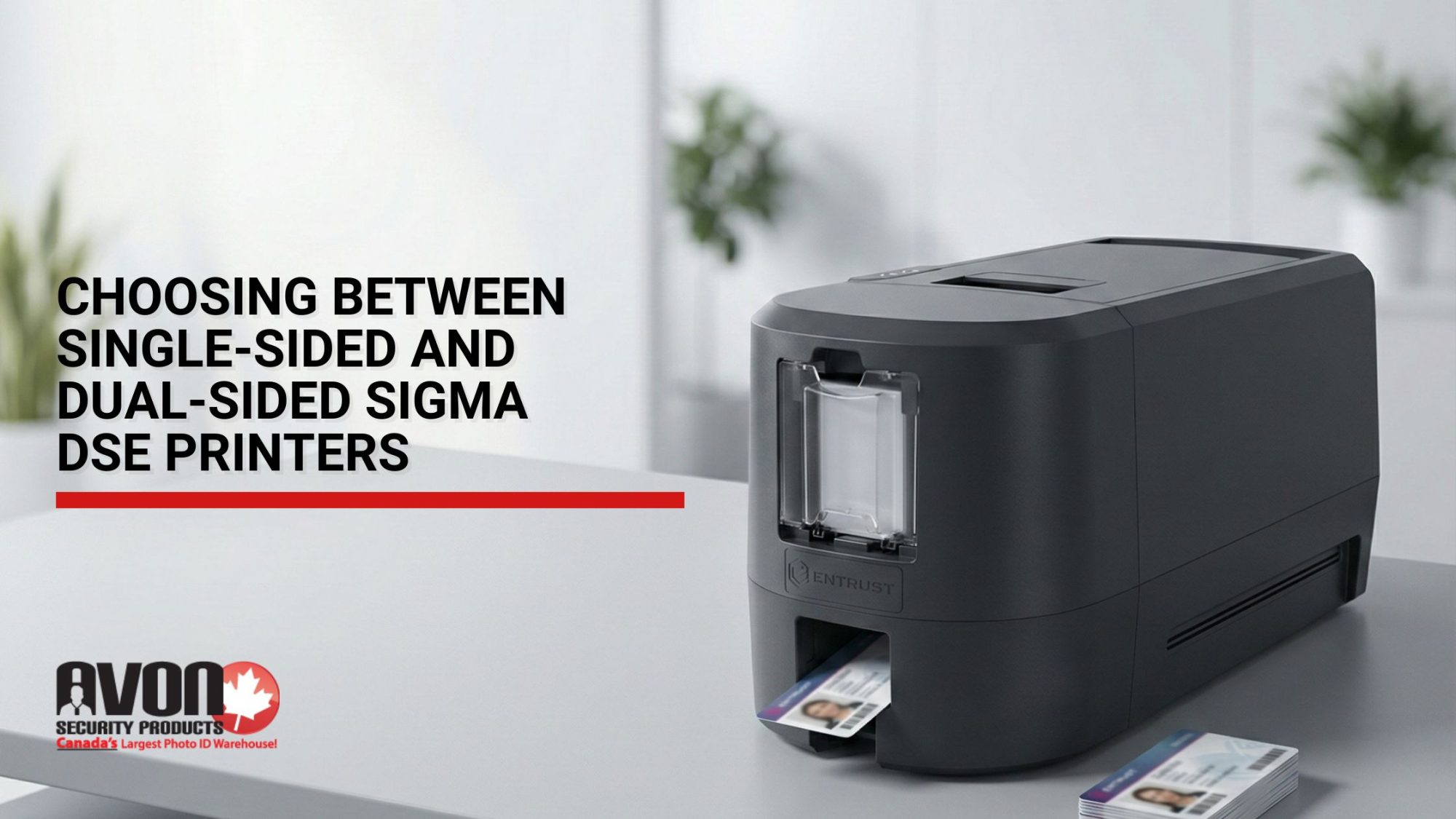
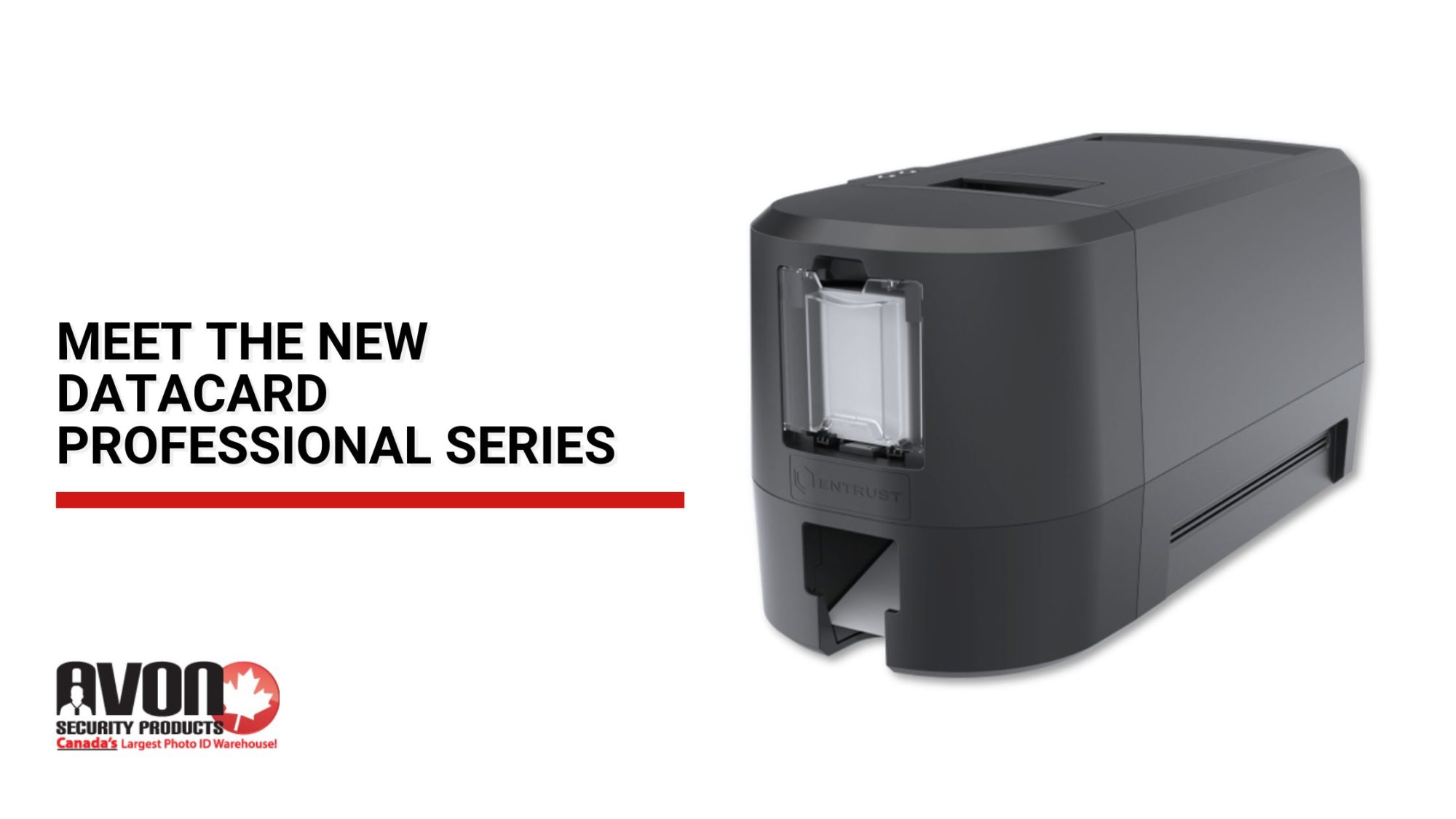
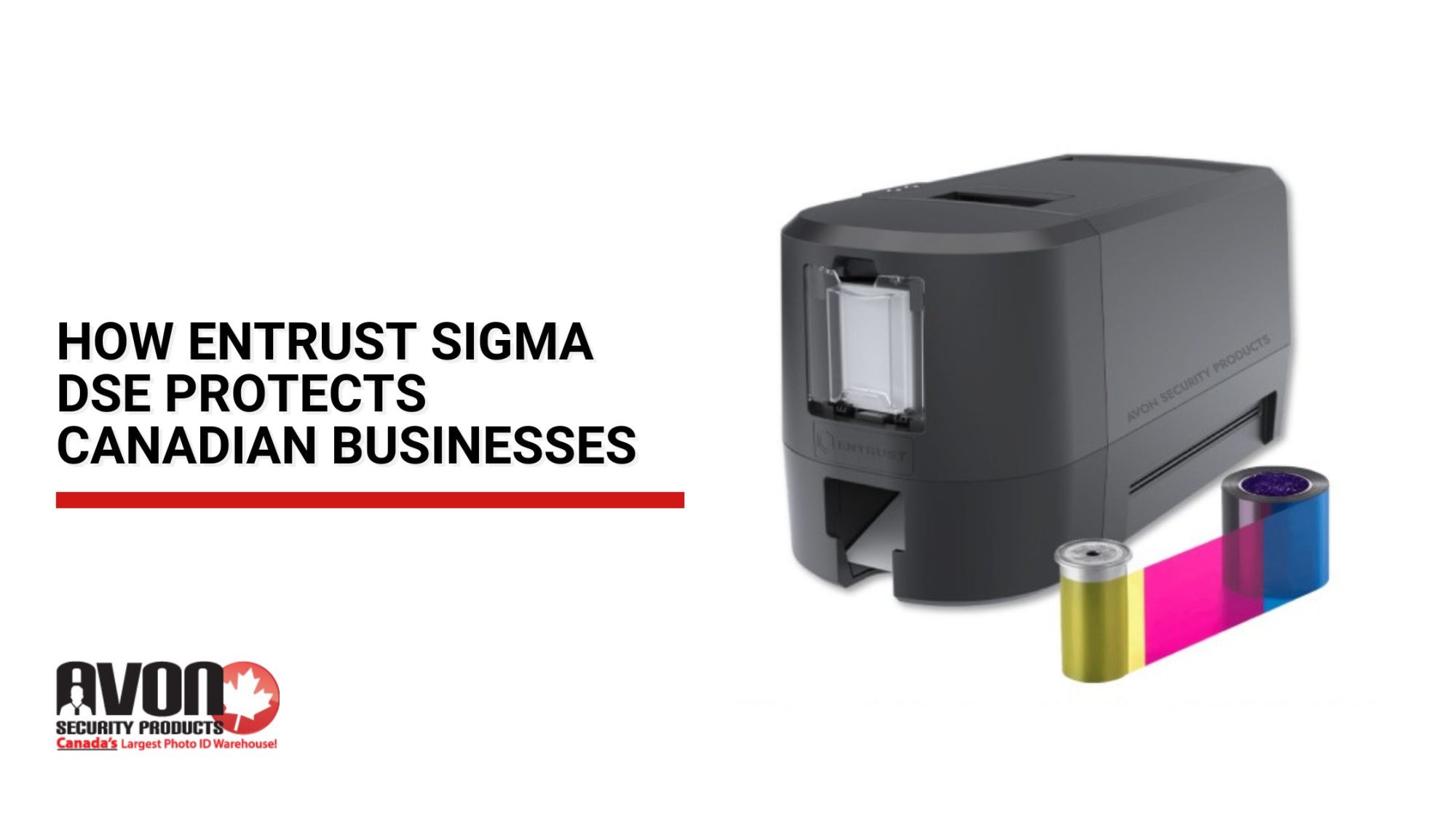
Entrust Datacard desktop ID card printer on an office desk with blank cards, with the Datacard vs. Fargo and Zebra title card.

Key Takeaways

  • Choose an ID card printer based on workflow, not just specs.
  • Compare print speed, hopper capacity, resolution, and security features.
  • Match Entrust Datacard models DSE, DS1, or DS2 FARGO, or Zebra to your card issuance needs.
  • Consider software, supplies, and long-term cost of ownership.
  • The right printer supports efficient, secure, and reliable card printing.

It’s easy to compare ID card printers by looking at print speed, resolution, and price. Those specifications matter, but they don’t always tell you which printer will work best for your organization.

Start with how you actually issue cards. Card issuance volume, security requirements, encoding needs, and budget can all change what you need from a printer. A small business printing employee badges as needed has very different requirements from a university issuing hundreds of student cards during registration.

The right ID card printer is the one that fits your workflow, not simply the model with the biggest numbers on its specification sheet.

Choosing the Right Printer for Your Workflow

Comparing specifications is a good starting point, but the best printer for your organization comes down to how those features fit into your day-to-day workflow. Print volume, operating costs, and security requirements all affect which capabilities will actually make a difference.

Matching Equipment to Issuance Volume

Card issuance volume can quickly change what you need from a printer. An office producing a few employee or visitor badges each week may never need high-volume capabilities, while a hospital, manufacturing facility, or large corporate campus can have hundreds of credentials moving through the system.

In those busier environments, print speed matters, but so do card capacity, reliable feeding, and fewer interruptions between batches. A larger hopper, for example, may not seem important until someone has to continually stop a print run to reload cards.

With a large selection of ID card printer models, Avon Security Products can help narrow down the options based on how many cards you print, how often you print them, and where the system needs to perform. Whether that leads to Entrust Datacard printer models DSE, DS1, or DS2, FARGO, Zebra, or another model, the focus is on finding a printer with the right capacity and performance for your actual workload, without paying for capabilities you won’t use.

Balancing Cost and Efficiency

The purchase price is only one part of your printer budget. Ribbons, cards, cleaning supplies, and maintenance continue throughout the life of the printer, so they should be part of the comparison from the beginning.

Your printing requirements also affect those costs. Producing straightforward monochrome cards is different from regularly printing full-colour cards with photographs, logos, and detailed graphics. The more you print, the more important ribbon yield, supply availability, and efficient day-to-day operation become.

Organizations can gain better value by following long-term asset lifecycle evaluations to analyze the total cost of ownership, which reveals that cheaper upfront options often carry significantly higher operational upkeep burdens over time. A lower upfront price can be appealing, but value is really about what the printer costs to keep running, and whether you’re paying for features and capacity your organization will actually use.

Factoring in Security Requirements

Security is easy to associate with the finished credential, but it starts before the card reaches the printer. Names, photographs, employee numbers, and other cardholder data have to move from your software to the device every time a card is produced.

That makes printer and data security features worth examining, particularly for organizations handling sensitive employee or cardholder information. Features such as secure boot, host authentication, and data encryption help protect different parts of that process, from verifying the printer’s operating environment to securing the data being sent for printing.

Entrust Datacard (formerly Entrust Sigma), FARGO, and Zebra each approach printer security somewhat differently. The important part is understanding what those protections do and matching them to your organization’s security requirements, rather than assuming every professional ID card printer provides the same level of protection.
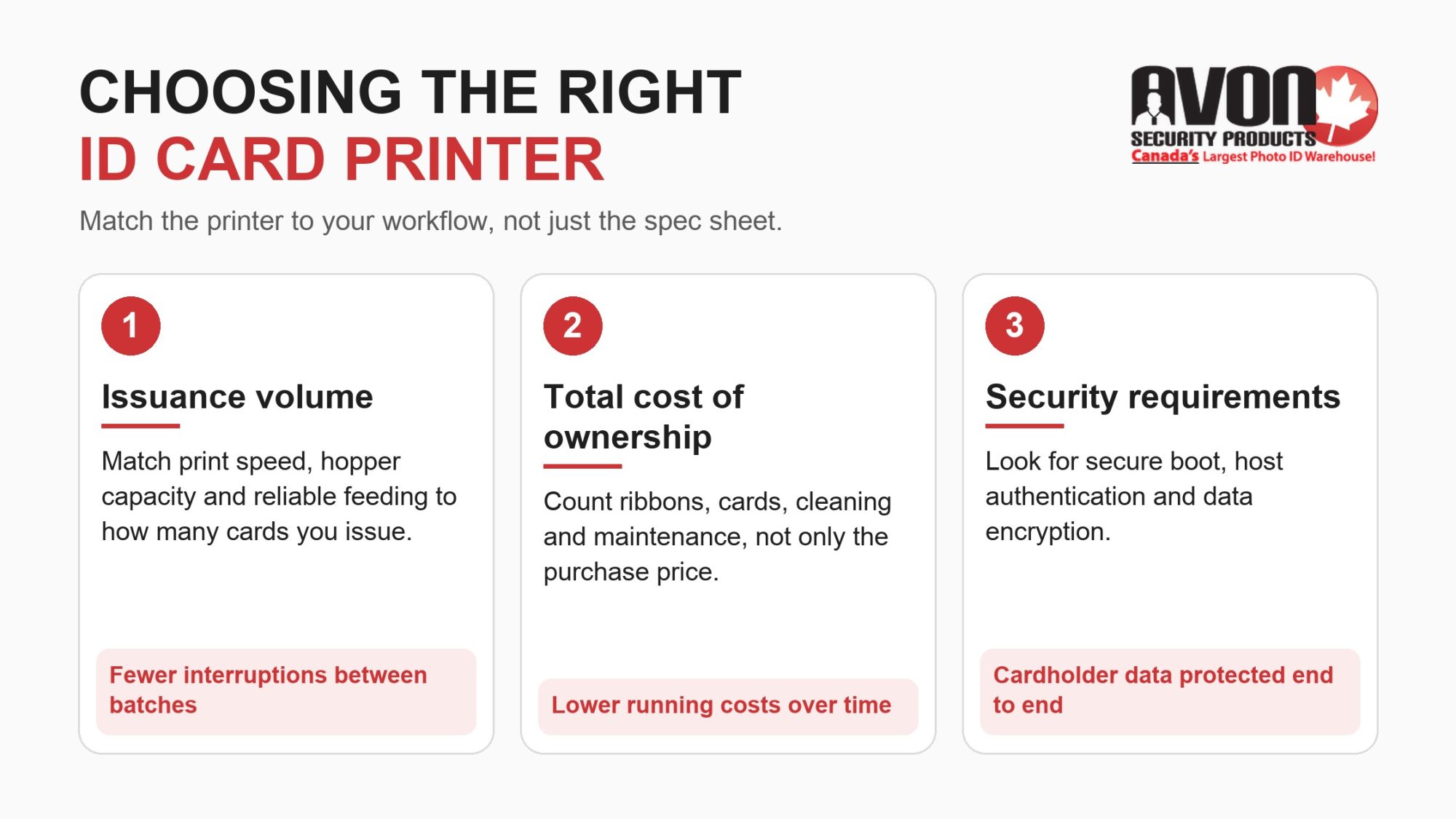
Infographic on choosing an ID card printer by issuance volume, total cost of ownership and security requirements.

Printer Specifications: System Capabilities and Performance Metrics

Evaluating data sheets can be challenging when manufacturer terms differ, but comparing these baseline metrics side-by-side clarifies how each machine handles actual production runs. The table below breaks down the structural differences between these platforms, mapping out raw print speeds, chassis capacities, network security protocols, and field-upgrade modules.

Printer System Capabilities and Performance Comparison

What it means for your site Entrust Datacard DSE Entrust Datacard DS1 Entrust Datacard DS2 Zebra ZC350 HID FARGO DTC1500 Where it matters
Printing technology Direct-to-card dye sublimation Direct-to-card dye sublimation Direct-to-card dye sublimation Direct-to-card dye sublimation Direct-to-card dye sublimation Photo ID badges printed straight onto the card, with no retransfer film to buy
Printing sides Single-sided, or dual-sided model Single-sided only Single-sided or dual-sided Single-sided or dual-sided Single-sided or dual-sided Badges that need a barcode, instructions or return details on the back
Colour print speed Up to 185 cards/hour single-sided Up to 175 cards/hour Up to 225 cards/hour single-sided; up to 140 dual-sided Up to 225 cards/hour single-sided; up to 150 dual-sided Up to 225 cards/hour single-sided (YMCKO); up to 150 dual-sided (YMCKOK) Issuing large batches before a semester, intake or shift change
Monochrome print speed Up to 750 cards/hour Up to 660 cards/hour Up to 880 cards/hour Up to 1,000 cards/hour single-sided; up to 500 dual-sided Up to 600 cards/hour Text-only cards such as visitor or contractor passes
Print resolution 300 dpi (300 x 600 and 300 x 1200 modes) 300 dpi (300 x 600 and 300 x 1200 modes) 300 dpi (300 x 600 and 300 x 1200 modes) 300 dpi 300 dpi (300 x 600 optimized mode) Fine text, logos and photos on employee badges
Input hopper 100 cards 125 cards 125 cards 100 cards 100 cards How often staff reload card stock during a print run
Output hopper 25 cards 25 cards 25 cards, plus a 10-card reject hopper 100 cards 100 cards Unattended batch printing at a front desk or HR office
Card thickness From 0.024 in 0.010 to 0.040 in 0.010 to 0.040 in (CR80 and CR79) 0.010 to 0.040 in (CR80 and CR79) 0.009 to 0.040 in (CR80 and CR79 adhesive-back) Matching your blank card stock to the printer before ordering cards
Connectivity USB (single-sided); USB and Ethernet (dual-sided) USB; Wi-Fi optional USB and Ethernet; Wi-Fi optional USB and Ethernet; Wi-Fi optional USB and Ethernet with internal print server Sharing one printer across a department or printing from another room
Encoding options Magnetic stripe (ISO 7811); contact and contactless smart card Magnetic stripe (ISO 7811); contact and contactless smart card Magnetic stripe (ISO 7811); contact and contactless smart card Magnetic stripe (ISO 7811); contactless MIFARE (ISO 14443 A/B) Magnetic stripe; 125 kHz prox reader; 13.56 MHz iCLASS, MIFARE, ISO 14443 A/B and ISO 15693; contact smart card Cards that also work as access, time-clock or cafeteria credentials
Lamination Not offered Not offered Optional inline lamination module Not offered Optional lamination module Longer-lasting badges in high-wear settings
Data security Secure Boot; TLS-encrypted printer connection; no customer data stored after printing Secure Boot; TPM-protected TLS certificate (TLS 1.2 or 1.3); no customer data stored after printing Secure Boot; TPM-protected TLS certificate (TLS 1.2 or 1.3) Host authentication; data encryption; Kensington lock slot Password-protected operation; AES-256 data encryption; resin scramble; custom watermark overlay IT teams that review every device on the network
Warranty 2 years 36 months (printer and printhead) 36 months (printer and printhead) 3 years (printer and printhead) 3 years (printer and printhead) Planning maintenance and replacement budgets

Reviewing these system capabilities helps you choose a hardware configuration that matches your daily issuance volume, building security requirements, and IT compliance standards.

Design, Usability, and Performance Differences

Balancing High-Definition Detail and Print Speed

Speed is only one part of performance, and the right balance depends on what your badges need to show. The Zebra ZC350 has the fastest monochrome speed in this comparison, up to 1,000 single-sided cards an hour, and the Entrust Datacard DS2 matches its colour speed at up to 225 cards an hour. The Entrust Datacard DSE prints up to 185 colour and 750 monochrome cards an hour, and the DS1 up to 175 colour and 660 monochrome, which suits steady, lower-volume issuance. The HID FARGO DTC1500 prints up to 225 colour and 600 monochrome cards an hour.

For fine detail, all three Entrust Datacard models print at 300 dpi with 300 x 600 and 300 x 1200 modes for small text, logos and photos, and the DTC1500 adds a 300 x 600 optimized mode. The ZC350 prints at a standard 300 dpi. If your badges carry micro-text or detailed logos, a higher-resolution mode matters more than extra cards per hour; for large runs of text-only cards, monochrome speed matters more.

Card Handling and Loading

Card handling differs in ways that affect day-to-day use:

  • Entrust Datacard DSE, DS1 and DS2: the DS1 and DS2 take 125 cards in the input hopper, with a 200-card option on the DS2, and the hopper can be removed for secure storage. An exception slot feeds a single card of a different type without emptying the hopper. The DSE takes 100 cards.
  • Zebra ZC350: the 100-card input hopper adjusts automatically to each card’s thickness, so staff doesn’t change settings when switching card stock, and the 100-card output hopper holds a full batch.
  • HID FARGO DTC1500: 100-card input and output hoppers, with cards from 0.009 to 0.040 in., including CR79 adhesive-back cards.

Connectivity and System Administration Options

Your connectivity choice decides how easily a printer fits the way your staff works. Across the Entrust Datacard range, the DSE connects by USB on the single-sided model and adds Ethernet on the dual-sided model, the DS1 connects by USB with optional Wi-Fi, and the DS2 has USB and Ethernet as standard with optional Wi-Fi. The Zebra ZC350 also has USB and Ethernet as standard with optional Wi-Fi, and the HID FARGO DTC1500 has USB and Ethernet with an internal print server.

For day-to-day management, all three Entrust Datacard printers, the DSE, DS1, and DS2, include a browser-based Printer Dashboard that staff open by entering the printer’s IP address. On the DS1 and DS2, a QR code on the printer’s display opens the same dashboard on a phone. From the dashboard, staff can check printer status, cleaning status, and firmware updates. Zebra builds smart chips into its ribbons so the ZC350 can tell staff when a ribbon needs replacing, and a Print Touch NFC tag on the printer opens Zebra’s online help and documentation. The HID FARGO DTC1500 comes with the FARGO Workbench utility for diagnostics and maintenance, including Color Assist spot-colour matching.

This digital interface lets your IT team check printer status, update firmware and settings, and track printer health straight from a smartphone or tablet, following the same best practices organizations use to secure mobile-managed devices more broadly.

Secure Data Transmission and Hardware Encoding

For teams that need to store secure data on their badges, comparing internal encoding options is a critical step. Both machines can be customized with internal hardware modules to print visual artwork and write secure data profiles in a single pass:

  • Contactless Proximity Communication: Supports modern 13.56MHz and RFID entry systems, letting personnel tap their badges at building doors.
  • Contact Smart Card Interfaces: Built for high-security facilities that require physical chip insertion for secure computer logins.
  • Magnetic Stripe Encoding: Configured for traditional swipe-card timeclocks, staff parking gates, or basic point-of-sale tracking.

Ribbon Panel Versatility and Configuration Yields

The ribbon you load decides what each card can show and how many cards you get from a roll, so match it to the badge layout you need. The Entrust Datacard DSE, DS1, and DS2, the Zebra ZC350, and the HID FARGO DTC1500 all take drop-in ribbon cartridges. Entrust ribbons finish with a T (topcoat) panel, and Zebra and FARGO ribbons finish with an O (overlay) panel; both protect the printed surface. The DSE comes as a single-sided or dual-sided model; the DS1 prints one side only, and the DS2 prints one or both sides, so dual-sided layouts need the dual-sided DSE or the DS2.

  • Dual-sided colour: a full-colour photo on the front and black resin text on the back, from an Entrust YMCKT-KT ribbon on the dual-sided DSE or the DS2, or a YMCKOK ribbon on the ZC350 and DTC1500. The black resin panel keeps barcodes and small text sharp on the back.
  • Dual-sided monochrome: black resin on both sides of the card on the dual-sided DSE, the DS2, the ZC350 or the DTC1500, for text-heavy cards such as instructions, emergency assembly maps or terms of use, with no colour panels used.
  • Single-sided colour: a YMCKT ribbon on the Entrust Datacard DSE, DS1 and DS2, or a YMCKO ribbon on the ZC350 and DTC1500, for front-only badges such as visitor or temporary passes.
  • Single-sided monochrome: a black ribbon on the DSE, a KT ribbon on the DS1 and DS2, or a K ribbon on Zebra and FARGO gives the most cards per roll, which suits barcode cards, serial numbering, and contractor passes.

 Digital ID Software Integration and Visual Layout Strategy

A card printer is only as effective as the card design software and supply layout supporting it. To maximize your investment, your badge creation tools must link smoothly with your employee database directory.

Using professional integrated ID card software lets your team map employee name fields, generate custom barcodes, and maintain a consistent look across different offices or departments.

When setting up your badge layouts, following straightforward ID card design tips ensures your final badges look clean and remain easy to read. A clear arrangement places the employee’s photo, name, and department in high-visibility areas, allowing security staff to verify credentials instantly.

If your team is designing a badge program from the ground up, starting with professional pre-formatted ID card templates takes the stress out of the setup. These templates ensure ideal text sizing, balanced spacing, and proper margins, helping you avoid common printing errors like clipped text or off-center borders.

Maximizing Value with Software and Professional Design

Having the right hardware is only part of a reliable ID card setup. Pairing your printer with intuitive ID card software gives your team the tools to manage badge databases, import employee photos, maintain consistent card designs, and support encoding requirements from one workflow.

To make sure your final product looks polished and professional:

  • Pay close attention to contrast, font readability, and logo placement by reviewing helpful, eye-catching card design tips.
  • Protect against duplication and tampering by following practical ID card design tips that incorporate ghost images or micro-text.
  • Speed up your rollout across different departments by exploring pre-formatted sources for ID card templates.
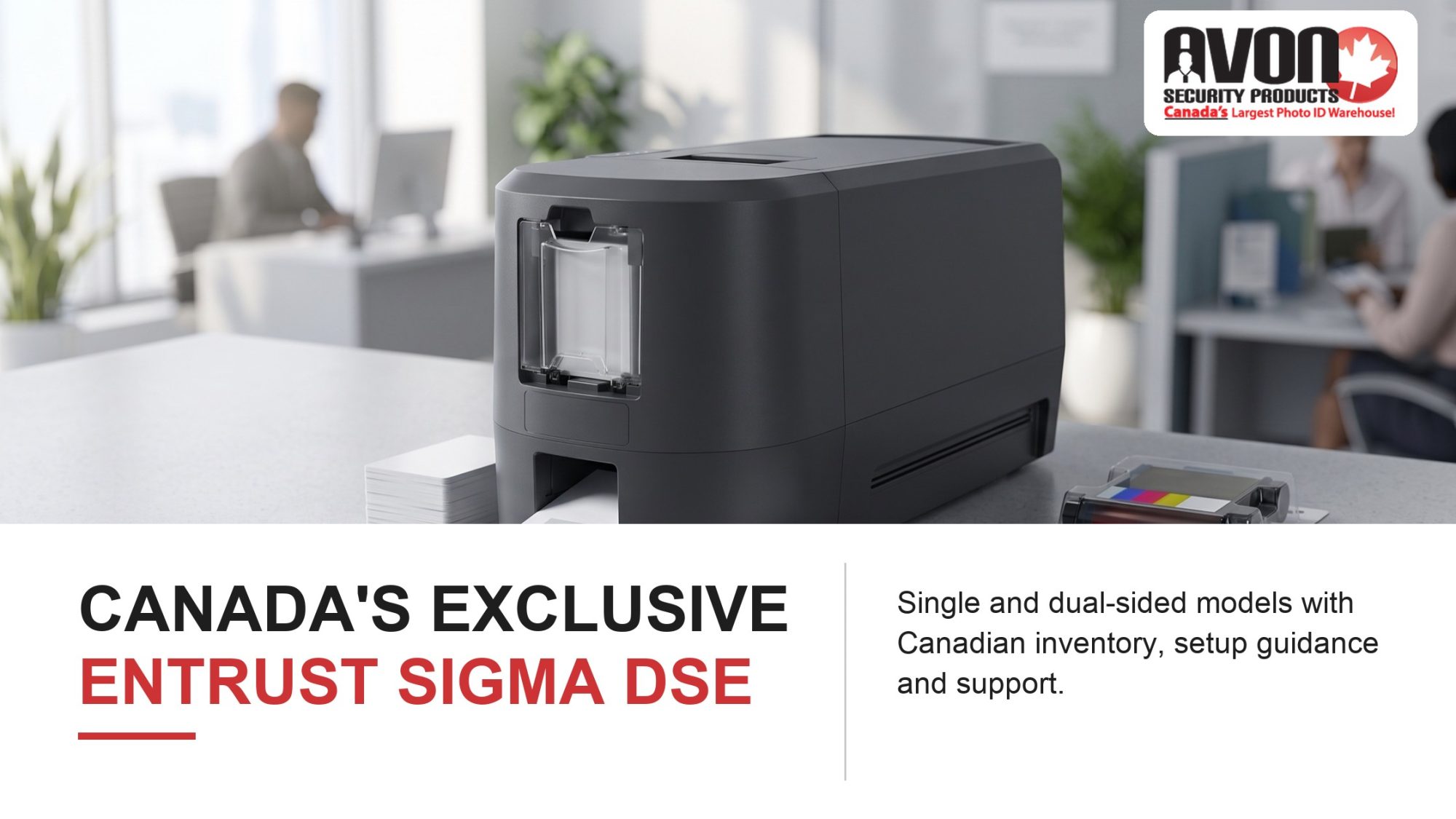
Entrust Datacard printer in a Canadian office issuance area with blank cards and a ribbon, above Canada's exclusive Entrust Datacard printer model DSE.

Get Expert Help Choosing Your Next ID Card Printer

Avon Security Products is the exclusive Canadian distributor for the Entrust Datacard DSE model, providing Canadian organizations with direct access to the printer, compatible supplies, and expert technical support. As a 100% Canadian company trusted by more than 25,000 organizations nationwide, Avon offers one-to-three-day shipping across Canada without cross-border duties or brokerage fees.

Choosing between the Entrust Datacard printer models DSE, DS1, and DS2, FARGO, and Zebra comes down to how each printer fits your card issuance volume, security requirements, software, and budget. Avon’s ID specialists work with these systems every day and can help you compare the differences, configure the right setup, and make sure the printer works with the cards, ribbons, and software you plan to use. Contact us to compare your options with an ID specialist

Frequently Asked Questions

What should I consider when choosing an ID card printer?

Start by reviewing your card printing requirements rather than choosing based only on price. Consider your budget, card issuance volume, preferred card design, print frequency, colour requirements, security requirements, and future growth. A small office issuing occasional employee badges may need a different printer from a healthcare facility or university working in a high-volume environment. You should also confirm software compatibility, encoding features, available connectivity options, and the cost of ribbons, blank cards, maintenance, and support.

 What is the difference between a direct-to-card printer and other ID card printers?

A direct-to-card printer prints the image straight onto the card surface through a ribbon and printhead, while a retransfer printer prints onto a clear film first and then fuses that film to the card. Direct-to-card printing needs no film and suits most employee, student and visitor badges on flat PVC cards. Retransfer printing covers the card edge to edge and handles uneven surfaces, such as smart cards with a raised chip. The Entrust Datacard DSE, DS1 and DS2, Zebra ZC350 and HID FARGO DTC1500 are all direct-to-card printers.

Is the Entrust Datacard DS2 suitable for small organizations?

The Entrust Datacard DS2, also identified within the Entrust Datacard DSE Professional Series, can be suitable for small organizations when its features match their workflow. It supports professional card printing, optional encoding, and single- or dual-sided configurations, depending on the selected model. However, a smaller organization should still consider whether it needs full-color cards, dual-sided printing, or advanced security features. Avon offers several printer options and helps Canadian customers compare card issuance volume, operating requirements, supplies, and long-term support before purchasing.

How does the Zebra ZC350 card printer compare with Entrust?

Both are direct-to-card printers that print at 300 dpi, so the better fit depends on card volume, card sides and how you manage devices. The Zebra ZC350 has a 100-card output hopper and prints up to 1,000 monochrome cards an hour. The Entrust Datacard DS1 and DS2 hold 125 cards in the input hopper, the DS1 prints one side only, and the DSE comes single- or dual-sided. All three Entrust models use Secure Boot and a browser-based Printer Dashboard, while the ZC350 offers host authentication and data encryption.

Are Fargo printers suitable for high-volume environments?

Some Fargo printer models are designed for organizations that issue cards regularly or operate in high-volume environments. Depending on the model, Fargo printers may provide dual-sided printing, larger card capacity, encoding features, and optional lamination. Performance can vary by ribbon, card type, configuration, and whether the printer produces full-color cards or monochrome cards. Organizations should confirm the exact Fargo model’s print speed, hopper capacity, software compatibility, and available support before making a purchase. Avon supplies Fargo printers, ribbons, and related products for Canadian customers.

Do I need a single-sided or dual-sided ID card printer?

A single-sided colour printer may be sufficient when a card only needs a photograph, name, logo, department, and expiry date. A dual-sided printer is more useful when you need additional space for barcodes, access instructions, emergency details, disclaimers, or contact information. Some organizations also require dual-sided monochrome printing for economical text or barcode production. Your decision should reflect your card design, card issuance volume, and future needs, since upgrading later may cost more than selecting the appropriate configuration initially.

What does print resolution mean for ID card quality?

Print resolution describes the level of detail a printer can reproduce, usually measured in dots per inch, or dpi. A 300 dpi ID card printer can produce clear photographs, text, logos, and barcodes for most professional credentials. Higher or enhanced resolution modes may be useful for fine text, detailed graphics, or security elements. Print resolution is not the only factor affecting high-quality printing. Card surface, ribbon type, design software, photograph quality, colour settings, and printer maintenance also influence the final result.

What encoding features might an ID card printer support?

Encoding features allow information to be written to a card’s magnetic stripe, contact chip, or contactless chip in addition to printing visible information. These features may support access control, time tracking, payment, identification, or other credential functions. Compatibility is essential: the printer encoder, blank card, software, card reader, and access control system must support the same technology. Avon supplies proximity cards, smart cards, access cards, and ID card printers, helping organizations coordinate their credential components more efficiently.

What printer and data security features should organizations review?

Organizations should review security features according to the sensitivity of their credentials and the way cards are issued. Relevant features may include secure boot, host authentication, data encryption, encrypted communications, user permissions, firmware protection, and secure handling of temporary print data. Security also depends on internal procedures, such as limiting access to cardholder information, controlling blank cards and ribbons, and cancelling lost credentials. Ask whether the printer’s features are available on the exact configuration you plan to purchase.

How can print speed affect ID card printing efficiency?

Print speed indicates how quickly a printer can produce cards under particular test conditions. It can help compare models, but it does not always represent real-world efficiency. Dual-sided colour cards, detailed images, encoding, lamination, ribbon changes, card loading, and operator handling can reduce actual output. For occasional printing, reliability and ease of use may matter more than maximum speed. For a high-volume environment, compare print speed with card capacity, software workflow, maintenance requirements, and expected daily issuance.

What card capacity does an organization need?

Card capacity generally refers to how many blank cards a printer’s input hopper can hold and how many completed cards its output hopper can receive. A larger input hopper can reduce reloading during batch production, while a larger output hopper may be useful when printing many cards at once. Capacity should be considered alongside card issuance volume and staff workflow. A smaller organization may not need maximum capacity, while a school, healthcare facility, or government department may benefit from a higher-capacity configuration.

What supplies are needed to operate an ID card printer?

Most ID card printers require compatible blank PVC cards, colour or monochrome ribbons, cleaning supplies, and ID card software. Depending on the credential system, you may also need proximity cards, smart cards, badge holders, lanyards, protective overlays, or encoding accessories. Using the correct supplies supports reliable operation, consistent print quality, and fewer card jams or ribbon errors. Avon provides ID card software, printer ribbons, cleaning kits, blank cards, access cards, and badge accessories for Canadian organizations.
Supply Chain & Border Certainty

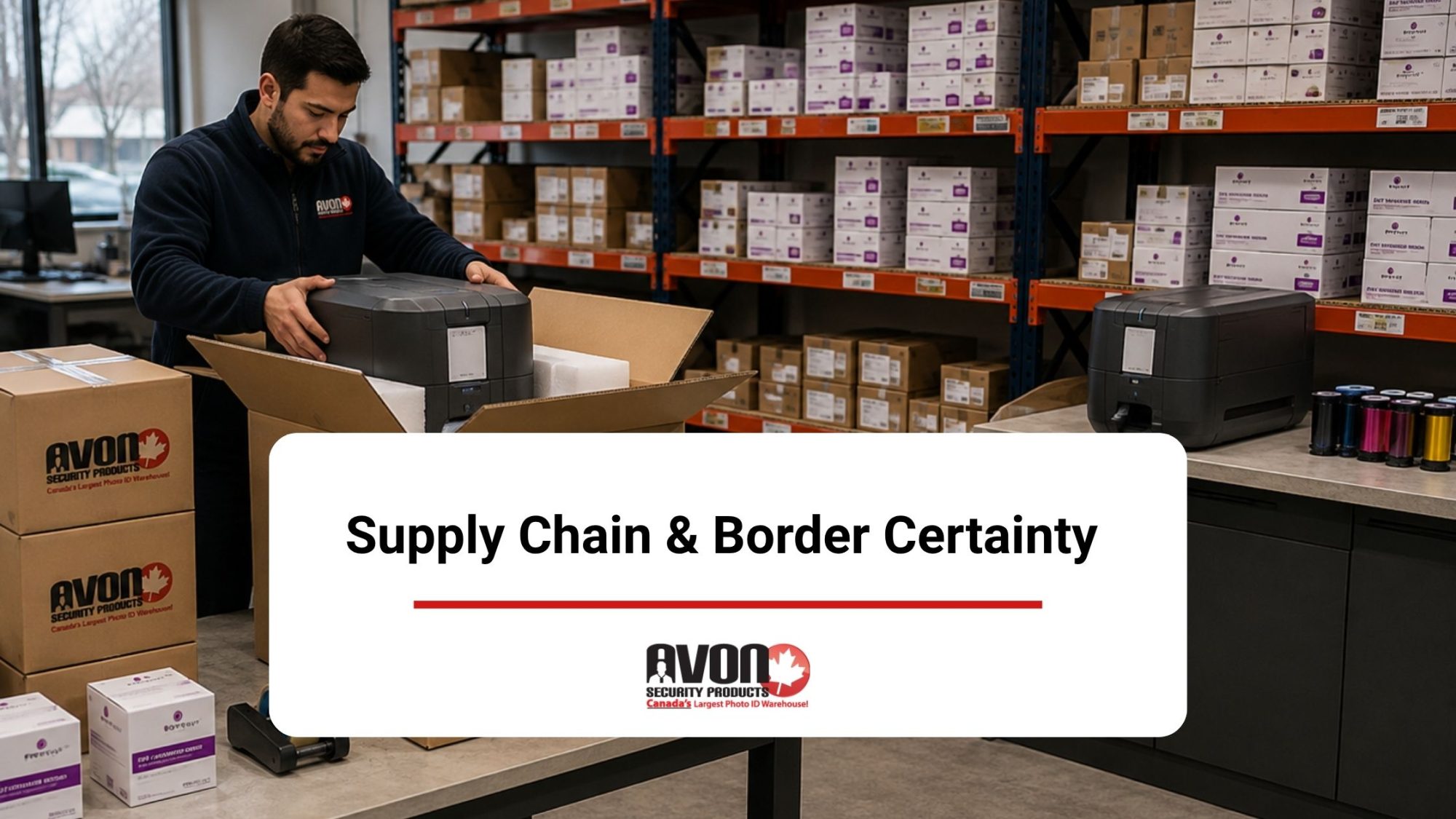
Avon Security Products employee packing an ID card printer for shipment in a Canadian warehouse stocked with card printing supplies

Key Takeaways

  • Canadian sourcing helps avoid customs delays and import costs.
  • Avon Security Products is the exclusive Canadian distributor of the Entrust Sigma DSE.
  • Single- and dual-sided Sigma DSE models support different card issuance needs.
  • Local technical support simplifies printer setup, troubleshooting, and service.
  • Domestic access to printers and compatible supplies helps keep card issuance on schedule.

If you’ve ever managed a facility upgrade or a major hiring push, you know that operational timelines are fragile. Everything looks great on paper until a critical piece of security tech gets stuck in a cross-border customs warehouse for three weeks, leaving your onboarding team stranded. When it comes to secure credentialing, waiting around for international shipping lines is a liability your budget simply doesn’t need. Aligning your procurement strategy with a dedicated ID card printer local supplier means you completely remove those unpredictable border variables from your calendar. At Avon Security Products, our entire inventory is managed right here in Canada, ensuring your organization receives predictable, reliable delivery alongside the comprehensive domestic infrastructure required to keep your facility secure.

Sourcing Inside Canada: Protecting Your Operational Schedule

Relying on cross-border supply chains for critical security infrastructure can leave identification programs vulnerable to costly disruptions. When customs inspections or regulatory holds delay essential shipments, corporations, school boards, and healthcare networks may be left unable to issue badges to new staff, contractors, or temporary personnel, slowing onboarding and creating gaps in secure facility access.

The Canada Border Services Agency routinely notes that documentation volume, strict screening protocols, and incomplete partner filings are primary drivers of extended border hold times. These logistical stalls have direct security consequences; organizations must strictly maintain and issue authorization credentials to limit unescorted access to non-public areas. When border delays leave a security team without hardware or materials, the ability to enforce these compliance baselines fractures.

The Entrust Sigma DSE gives Canadian organizations another reason to source their ID printing equipment domestically. Available in single-sided and dual-sided configurations exclusively in Canada through Avon Security Products, the DSE can be purchased alongside the ribbons and supplies required to keep it operating. Buying within Canada shortens delivery times, avoids customs and border delays, and reduces the added costs that can come with importing printers and supplies from the U.S.

Operational Benchmark Analysis: Domestic Turnarounds vs. Transit Reality

Relying on international logistics introduces a hidden cost metric: unpredictable transit variation. Internal shipping data across the Canadian B2B procurement space reveals a stark contrast in fulfillment stability. While cross-border shipments face an average latency window of 7 to 14 business days, frequently compounded by random customs holding patterns at primary hubs like Mississauga or Richmond, domestic infrastructure operates on a known timeline.

Logistics Metric Cross-Border Sourcing Local Sourcing (Avon Security Products)
Average Dispatch-to-Delivery Window 7 to 14 Business Days 1 to 3 Business Days
Customs Brokerage & Clearance Fees Variable ($50 – $150+ per unit) $0 (Pre-cleared)
Consumable Resupply Stability Vulnerable to trade lane blocks Immediate regional stock
Warranty Hardware Evaluation International shipping required Domestic depot service


By eliminating international freight handling, Avon Security Products operates on a predictable 24-to-48-hour dispatch model for the Entrust DSE printer Canada line. This removes the “just-in-case” over-purchasing behavior that forces organizations to tie up capital in excess inventory, allowing procurement teams to adopt an efficient, just-in-time supply model for their identification needs.

Selecting the Right ID Card System

A basic product sheet lists speeds and resolutions, but it cannot determine if a single- or dual-sided configuration fits your operational workflow. It will not show whether specialized encoding features are necessary, or if the hardware will communicate smoothly with your current software environment.

Avon Security Products helps your team evaluate these structural choices by reviewing:

  • Daily Card Volume: Matching your printing demands with the right engine capacity.
  • Credential Requirements: Identifying required visual security features.
  • System Integration: Verifying compatibility with your existing security infrastructure.

Aligning Hardware with Compliance Standards

Identity programs must align with strict organizational protection baselines. When evaluating a security footprint, administrators refer to benchmarks like the NIST SP 800-53 Physical Access Authorization Standards to define role structures and credential verification strength. Deploying hardware that lacks network integration can cause compliance bottlenecks during strict institutional reviews.

As the exclusive Canadian distributor of the Entrust Sigma DSE series, Avon Security Products provides access to specialized security technology that standard online retailers cannot supply. Sourcing this line domestically allows your organization to avoid cross-border logistics friction while securing a dedicated Canadian support team for long-term operational guidance.

Protecting System Continuity and Print Quality

A common operational issue in badge production is using generic, non-optimized ribbons and card blanks. Substandard printing supplies often lack proper back-coating lubrication, causing excessive friction against a high-resolution printhead. Over time, this friction leads to premature hardware wear and printhead burnout, a component failure that brings an entire card issuance lane to a halt.

Intelligent Media Tracking

The Entrust Sigma DSE platform addresses this mechanical vulnerability through built-in system intelligence. Sourcing your materials through a trusted local supplier guarantees access to genuine smart-load ribbon cassettes equipped with integrated RFID tracking chips.

According to the official Entrust Sigma DSE Technical Reference Data, this connection allows the machine to automatically calibrate its tension and temperature profiles. This prevents staff from running jobs with mismatched settings. The system also triggers cleaning prompts based on exact card counts, removing debris before it strikes the print elements to protect your long-term capital investment.

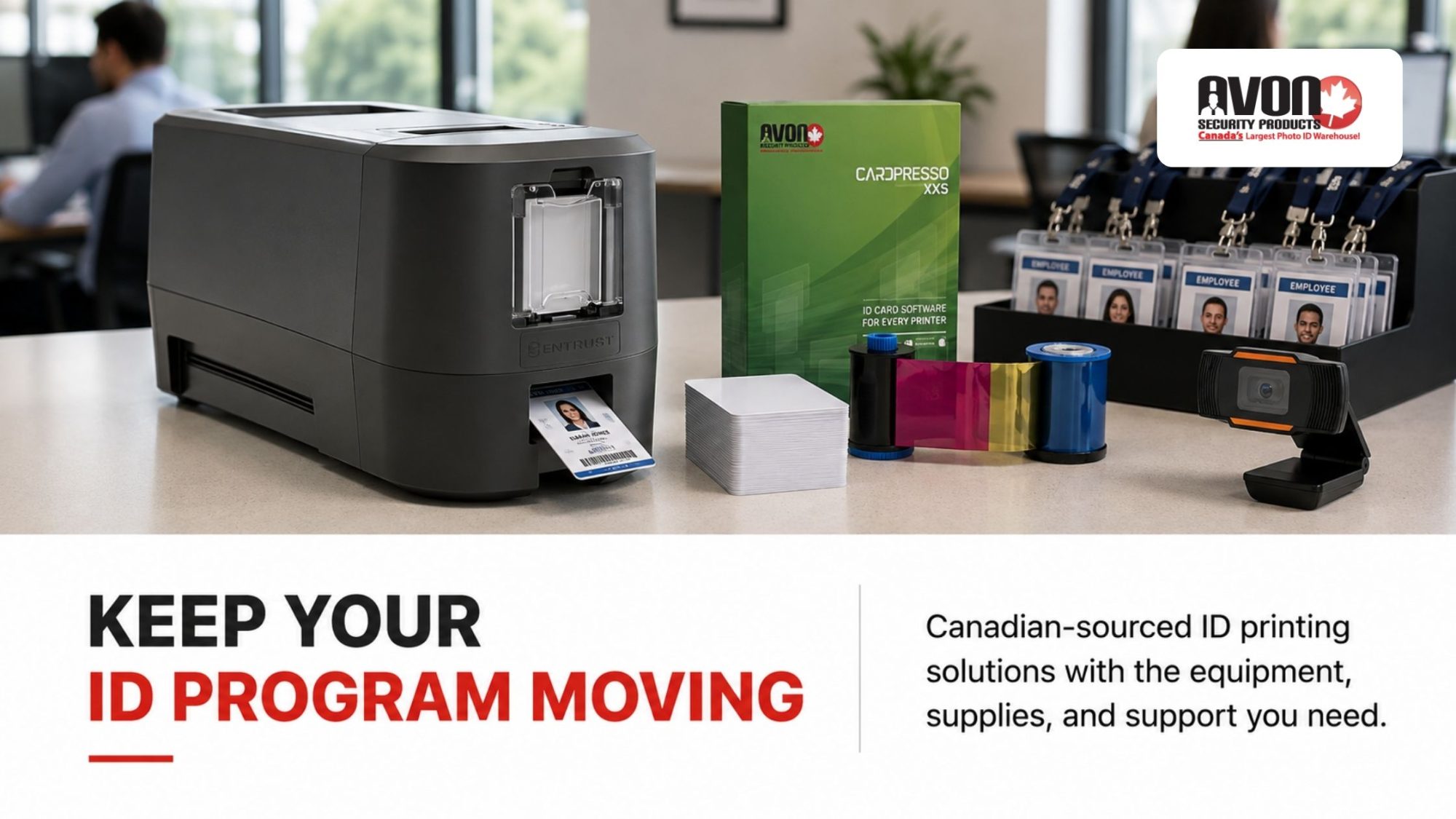
Professional ID card printing setup with an Entrust printer, CardPresso software, printer ribbon, blank cards, camera and employee badges

Canadian Support for the Entrust Sigma DSE

The Entrust Sigma DSE is available in Canada exclusively through Avon Security Products, with single-sided and dual-sided models for different card printing requirements. Both configurations offer 300 dpi printing, speeds of up to 185 single-sided colour cards per hour, and a 100-card input hopper. The dual-sided DSE can print both sides automatically at speeds of up to 145 double-sided colour cards per hour and adds Ethernet connectivity for networked environments. Avon helps organizations compare these configurations against their card volume, card design, connectivity requirements, software, and existing ID system before ordering.

Single-Sided or Dual-Sided Printing

The single-sided Sigma DSE suits credentials that only require information on the card front. Organizations that routinely place instructions, security information, terms, barcodes, or other data on the reverse can use the dual-sided DSE to print both sides automatically rather than manually flipping and re-feeding cards.

Match the Printer to Your ID Program

Print speed alone does not determine whether a printer will work well for an organization. Avon can review expected card volume, card layouts, software compatibility, network requirements, and other parts of the existing ID system to help determine which DSE configuration fits the intended use.

Technical Support After Installation

Questions can continue after the printer is installed, particularly around configuration, software communication, card feeding, and print quality. Avon provides Canadian technical support and can assist with troubleshooting, warranty requirements, repairs, and other service needs for the equipment it sells.

Source the Sigma DSE in Canada

As the exclusive Canadian distributor of the Entrust Sigma DSE, Avon Security Products gives Canadian organizations a domestic source for the printer, compatible printing materials, and technical support. Purchasing within Canada can also shorten shipping times and avoid customs delays, brokerage fees, and other costs associated with importing equipment from the U.S.

Decentralized Management: Browser-Based Administration for Multi-Site Facilities

A major operational challenge for modern IT departments and enterprise security networks is the fragmentation of hardware management. Traditional card systems require a direct USB link to a dedicated local PC, forcing system administrators to physically visit individual workstations to configure print properties, update firmware, or diagnose feed errors. This architecture lacks scalability and strains internal technical resources.

To address this issue, the Entrust Sigma DSE platform shifts from localized management to an integrated, browser-based dashboard environment. Because Avon Security Products approaches identity deployments from an ecosystem perspective, our consultative process ensures your IT team can leverage the printer’s built-in Ethernet connectivity right out of the box.

Authorized administrators can log into the secure management console from any network-connected device to monitor device health status, adjust print color balancing profiles, or push global firmware patches across multiple campuses simultaneously. By converting a hardware asset into a manageable network node, your organization reduces the administrative hours required to maintain system uptime while keeping facility access controls strictly unified.

Keep High-Volume Card Issuance on Schedule

Large employee onboarding, student registration, and credential replacement programs can put significant pressure on an ID card printing system. The Entrust Sigma DSE single-sided printer produces up to 185 colour cards per hour, giving organizations a practical option for high-volume, single-sided credential printing. Avon Security Products can help configure the printer, software, cards, and ribbons for your issuance requirements, with Canadian technical support available when you need it.

Frequently Asked Questions

How does buying an ID card printer from a Canadian supplier support operational planning?

Buying an ID card printer and compatible supplies from a Canadian supplier can simplify procurement when inventory is already located in Canada. It removes the import-clearance step for that domestic shipment and may make replenishment easier to plan. However, domestic sourcing does not guarantee a specific delivery date; stock availability, courier capacity, destination, and order timing still matter. Avon Security Products lists Entrust Sigma DSE printers, compatible supplies, and support options for Canadian ID card programs.

Can cross-border shipping affect an organization’s badge issuance schedule?

It can. International shipments may require customs documentation, declarations, and, depending on the goods and shipping method, payment of applicable duties, taxes, and handling charges. The Canada Border Services Agency notes that clearance times can vary and that items may undergo further examination when concerns arise. For organizations onboarding employees, contractors, students, or visitors on a tight timeline, it is sensible to confirm supply availability before launch dates rather than rely on an urgent replacement order.

Does sourcing equipment in Canada eliminate all delivery risks?

No. Domestic sourcing can remove border clearance from the delivery process, but it does not eliminate every logistics risk. Weather, carrier disruptions, product availability, warehouse processing, remote delivery locations, and unexpected demand can still affect delivery timing. A resilient procurement approach includes confirming current inventory, ordering replacement ribbons and cards before they are urgently needed, and identifying a support contact for troubleshooting. This helps organizations maintain continuity without purchasing unnecessary quantities of supplies solely because delivery timing is uncertain.

What should an organization assess before choosing a Sigma DSE configuration?

Start with your actual card printing requirements. Consider annual and peak card issuance volume, whether cards need single-sided or dual-sided printing, cardholder data, barcode or encoding requirements, software compatibility, connectivity options, and available workspace. A single-sided configuration may suit a straightforward photo ID, while dual-sided printing provides room for return instructions, terms, barcodes, or access-related information. Avon can help organizations compare printer configurations alongside compatible cards, ribbons, cameras, software, and accessories.

When is a dual-sided ID card printer worth the investment?

A dual-sided printer is useful when the back of the credential carries information that should not crowd the front, such as emergency instructions, a barcode, contact details, access rules, terms of use, or a secondary language. It also avoids the manual work of flipping and re-feeding cards to print the reverse side. If a card only needs a name, photo, logo, and expiry date, a single-sided printer may be more cost-effective and efficient for the program.

How should card issuance volume influence printer selection?

Card issuance volume should be measured by both routine demand and peak periods. For example, a school may print most student credentials during registration, while an employer may have a short period of high-volume issuance during seasonal hiring. Consider the number of cards needed per day, expected replacement cards, card capacity, print speed, staff availability, and whether encoding is required. A printer that is reliable during normal operations but cannot manage predictable peaks can delay onboarding and create avoidable administrative work.

What does 300 dpi print resolution mean for an ID card?

Print resolution indicates how much visual detail an ID card printer can reproduce. A 300 dots-per-inch, or dpi, printer is suitable for most professional employee badges, visitor passes, student cards, and membership credentials because it can produce clear text, photographs, logos, and standard barcodes. Image quality also depends on the original photograph, card design, ribbon type, card surface, printer settings, and routine cleaning. The Entrust Sigma DSE is specified at 300 dpi and supports CR-79 and CR-80 card formats.

What can the Entrust Sigma DSE Printer Dashboard do?

The Entrust Sigma DSE Printer Dashboard is a browser-based printer management tool. Authorized users can access it through the printer’s IP address or a desktop shortcut created with the printer driver. Its functions can include viewing printer status, checking supply and cleaning information, configuring supported settings, and managing user access. The Dashboard can reduce the need for an administrator to work directly at the printer for every task, but it should be configured according to the organization’s network and access-control policies.

How should organizations secure browser-based printer management?

Browser-based printer administration should be treated as part of the organization’s wider network security program. Create individual administrator accounts rather than sharing passwords, use strong credentials, limit management access to authorized staff, and remove accounts promptly when responsibilities change. IT teams should also review network segmentation, secure communications, firmware-update procedures, and access logs where available. The Sigma DSE administration guide instructs organizations to establish an initial administrator account and then create user accounts for people who require Dashboard access.

Why do compatible ribbons, cards, and cleaning supplies matter?

Compatible supplies help maintain print quality, protect hardware, and reduce avoidable interruptions. A printer ribbon is designed to work with particular card printer models and card types, while cleaning cards and rollers remove debris that can affect card feeding and image output. Entrust recommends cleaning Sigma printers when changing a ribbon, after every 500 cards, when print quality declines, or more often in dusty environments. The Printer Dashboard can display cleaning reminders based on a configured card count.

Can the Sigma DSE work with an organization’s existing ID card software?

Compatibility depends on the specific software, operating system, printer driver, network configuration, card design, and any encoding requirements. Before purchasing, confirm whether the software supports the intended printer model and whether it can create the necessary card layout, barcodes, photographs, database fields, and dual-sided card design. Organizations using proximity cards, smart cards, or magnetic stripe credentials should also verify that the printer configuration, card technology, and existing access control system work together. Avon offers ID card software alongside printer systems and supplies.

What information should be included in an ID card procurement plan?

A practical procurement plan should cover more than the printer purchase. Include the number and type of credentials required, anticipated card issuance volume, printer configuration, design software, card stock, colour or monochrome ribbons, cleaning supplies, replacement-card procedures, encoding features, connectivity needs, and technical support contacts. Also document who can approve cardholder records and access personal data. This creates a clearer budget, supports operational efficiency, and helps the organization avoid delays caused by missing components or incompatible supplies.

Trade-In vs. Buy New: Is Upgrading Your ID Card Printer Worth It?

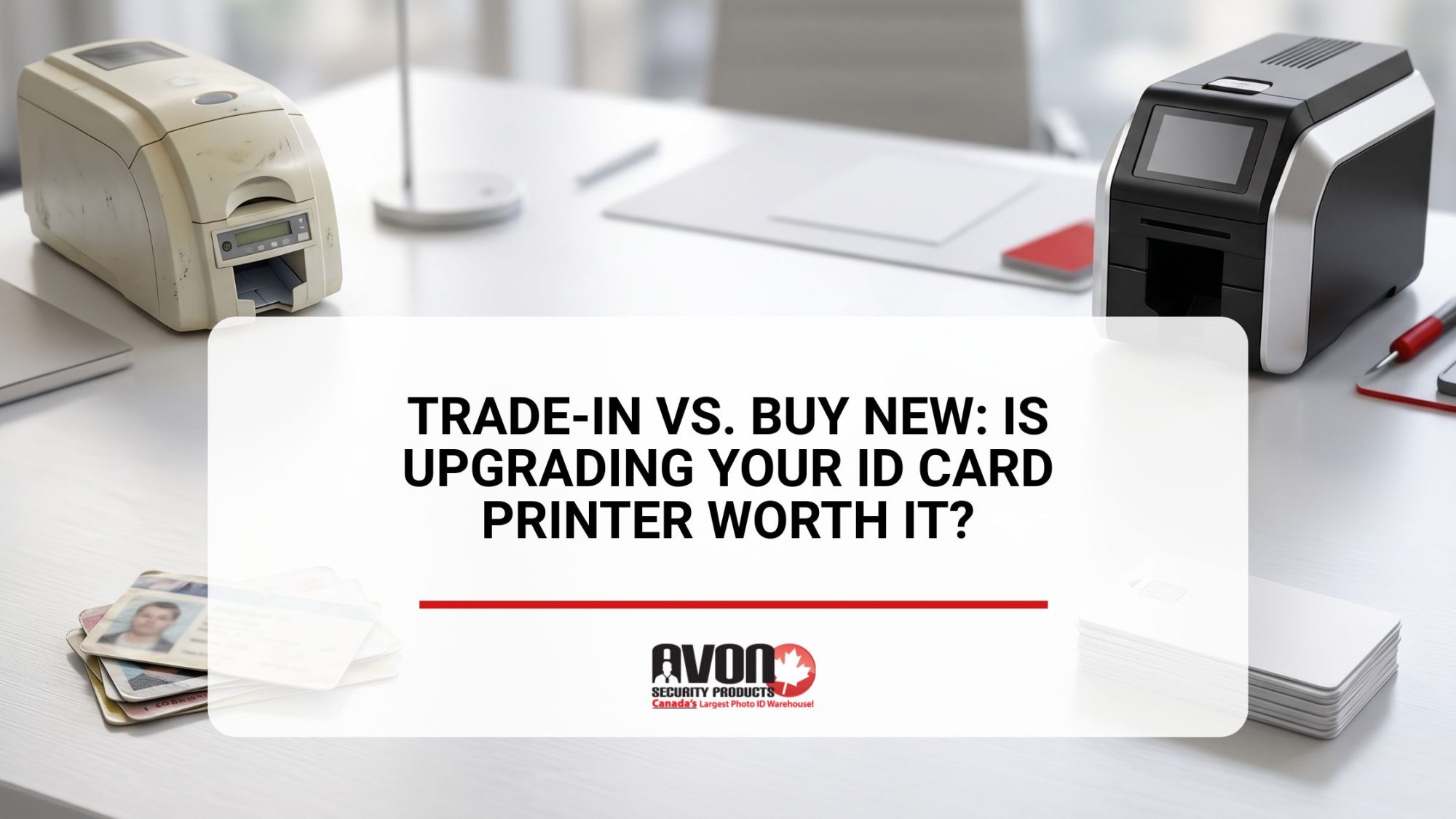
Comparison of an older ID card printer and a modern ID card printer, illustrating considerations when deciding whether to trade in existing equipment or upgrade to a new badge printing system

An ID card printer is no longer just a machine that prints employee badges. For many organizations, it has become part of a larger security ecosystem tied to access control, visitor tracking, compliance, workplace identification, and operational efficiency.

The problem is that many businesses are still relying on outdated printers that were designed for a very different workplace environment. Slow print speeds, fading cards, software compatibility issues, limited security features, and expensive maintenance costs often become “normal” over time because teams simply adapt around them.

But eventually, every organization reaches the same question. Do you keep repairing older equipment, trade it in, or invest in a completely new system?

The answer depends on far more than the price tag.

Inside This Guide

  • How to tell when your current ID card printer is holding your organization back
  • The biggest advantages of upgrading to modern ID card printing technology
  • When an ID card printer trade in makes financial sense
  • Hidden costs organizations overlook when keeping older printers too long
  • Key differences between repairing, trading in, and buying new equipment
  • What to consider before choosing your next ID card printing system
  • How Avon Security Products helps Canadian organizations modernize credential printing workflows

The Real Cost of Holding Onto an Old ID Card Printer

Most organizations do not replace badge printing equipment because they want the latest technology. They replace it because older systems quietly start creating operational problems.

At first, the issues seem manageable.

  • A ribbon error here
  • A software crash there
  • Cards taking longer to print
  • Colours looking inconsistent
  • Replacement parts becoming harder to source

Over time, those small frustrations begin affecting productivity, employee onboarding, visitor processing, and security workflows.

Older printers also struggle to integrate with modern workplace infrastructure. Many businesses now require stronger encryption capabilities, faster card production, cloud connected workflows, mobile credential support, and integration with broader access control systems. Legacy printers often cannot keep up.

Organizations exploring more advanced workplace credentialing solutions are increasingly moving toward modernized and more adaptable secure ID card systems that support evolving operational requirements.

Modern credential programs are increasingly tied to broader identity verification and workplace security standards, including frameworks outlined by the National Institute of Standards and Technology (NIST) for secure identity management and credential systems.

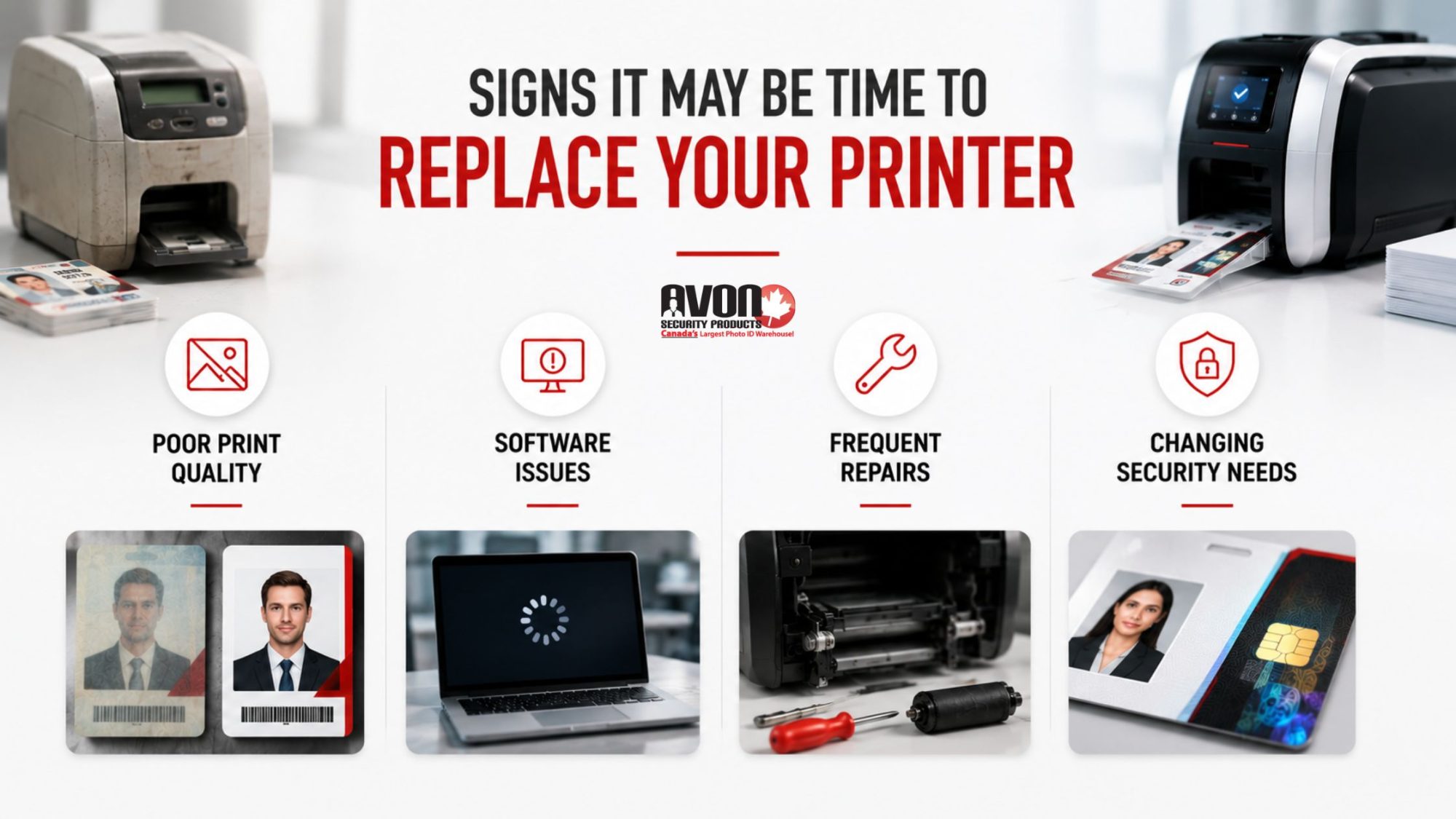
Signs It May Be Time to Replace Your Printer

Some ID card printers continue functioning long after they stop being cost effective. That distinction matters.

A printer that technically still works may still be slowing down operations, increasing maintenance expenses, or creating security limitations that impact the organization as a whole. Here are some of the most common signs that upgrading your ID card printer may make sense.

Your Print Quality Is Becoming Inconsistent

Faded text, poor colour accuracy, streaking, and blurry photos can make employee credentials look unprofessional and difficult to verify quickly.

For organizations relying on visual identification, poor print quality becomes more than a cosmetic issue. It can affect workplace security and employee confidence.

Your Software No Longer Works Smoothly

Older printers often struggle with newer operating systems and updated credential management platforms.

Compatibility issues can create delays, security vulnerabilities, and workflow interruptions that increase IT support requirements.

Many organizations upgrading their systems also modernize their ID card printing software at the same time to improve reliability and simplify credential management.

Repairs Are Becoming More Frequent

There is a major difference between occasional maintenance and constant troubleshooting.

If your organization is regularly paying for replacement parts, technician visits, or downtime related to printer issues, the long term cost of keeping older equipment may already exceed the value of upgrading.

Your Security Needs Have Changed

Modern workplaces require more advanced credential protection than many older printers were designed to support.

Features like holographic overlays, smart card encoding, enhanced authentication options, and improved encryption capabilities are becoming increasingly important for secure credential programs.

Infographic highlighting common signs that an ID card printer may need

Why Newer ID Card Printers Change More Than Print Quality

Many organizations assume a new printer simply produces better looking cards.

In reality, modern ID card printing systems improve operational efficiency across the entire credential management process.

That includes:

  • Faster print speeds
  • More reliable ribbon handling
  • Higher resolution image quality
  • Improved security features
  • Better software integration
  • Reduced maintenance requirements
  • Easier scalability for growing organizations

The difference becomes especially noticeable in environments handling large employee populations, visitor traffic, contractors, or multi location credential programs.

Modern enterprise systems are also designed to support more flexible workflows, including remote management capabilities and integration with broader workplace security infrastructure.

Organizations evaluating new systems often compare different ID card systems based on scalability, security requirements, print volume, and long term operational support.

As workplace credential programs become more connected to physical access infrastructure, many organizations are aligning badge systems with modern Physical Access Control System (PACS) strategies recommended through U.S. government identity management guidance.

Trade In vs. Buy New: What Actually Makes Sense?

The answer depends on your current equipment, operational goals, and future growth plans. For some organizations, trading in older equipment can reduce upgrade costs while simplifying the transition process.

For others, continuing to maintain outdated hardware may create greater long term expenses than investing in a completely new system.

When a Trade In May Be Worth It

A trade in can make sense if:

  • Your printer still functions reasonably well
  • The manufacturer still supports parts or servicing
  • Your organization wants to offset upgrade costs
  • You are moving to a newer model within the same ecosystem
  • Your print volume or operational demands are increasing

Trade in programs can help organizations modernize without fully absorbing the cost of a brand new deployment all at once.

When Buying New Makes More Sense

Sometimes older equipment has simply reached the end of its useful life. If your current printer suffers from repeated failures, lacks modern compatibility, or cannot support your security requirements, purchasing a completely new system often delivers better long term value.

This becomes especially important for organizations prioritizing reliable ID card printers that can support ongoing operational demands without constant maintenance interruptions.

The Hidden Operational Costs Organizations Overlook

One of the biggest mistakes organizations make is focusing only on hardware pricing.

The true cost of outdated equipment usually appears elsewhere:

  • IT support time
  • Staff delays
  • Slower onboarding workflows
  • Visitor bottlenecks
  • Reprint waste
  • Emergency repair calls
  • Security limitations
  • Downtime during critical periods

Those costs add up quickly. In many cases, organizations spend years trying to stretch outdated equipment beyond its practical lifespan while unintentionally increasing operational inefficiency.

This is also why organizations researching upgrades should understand the common mistakes to avoid when buying an ID card printer before making a replacement decision.

Modern workplace security increasingly depends on stronger coordination between cybersecurity and physical security systems, especially as credential management becomes more integrated with broader operational infrastructure.

Security Expectations Have Changed Fast

The way organizations think about credentials has evolved dramatically.

Employee badges now frequently support:

  • Building access
  • Visitor verification
  • Time tracking
  • Multi site access management
  • Compliance requirements
  • Secure authentication workflows

Government identity management frameworks continue emphasizing the importance of secure, authenticated credentials that support both identity verification and controlled facility access across modern organizations.

Modern ID card printing technology is increasingly tied directly to broader workplace security infrastructure. Organizations upgrading older printers often discover that newer systems allow them to improve operational security while simplifying day to day credential management at the same time.

Many businesses also integrate badge issuance with broader visitor management systems to improve building oversight and streamline front desk workflows.

Why Modern Datacard and Enterprise Printers Matter

Not all printers are built for modern credential environments.

Many newer enterprise printers now focus heavily on:

  • Security encryption
  • Faster batch printing
  • Remote printer management
  • Cloud compatibility
  • Enhanced ribbon efficiency
  • Smart card encoding
  • Improved durability

Organizations evaluating upgrades are increasingly exploring new Datacard printers for modern ID workflows because of their ability to support higher security requirements and more scalable credential programs.

For growing organizations, choosing the right platform now can help avoid another costly replacement cycle later.

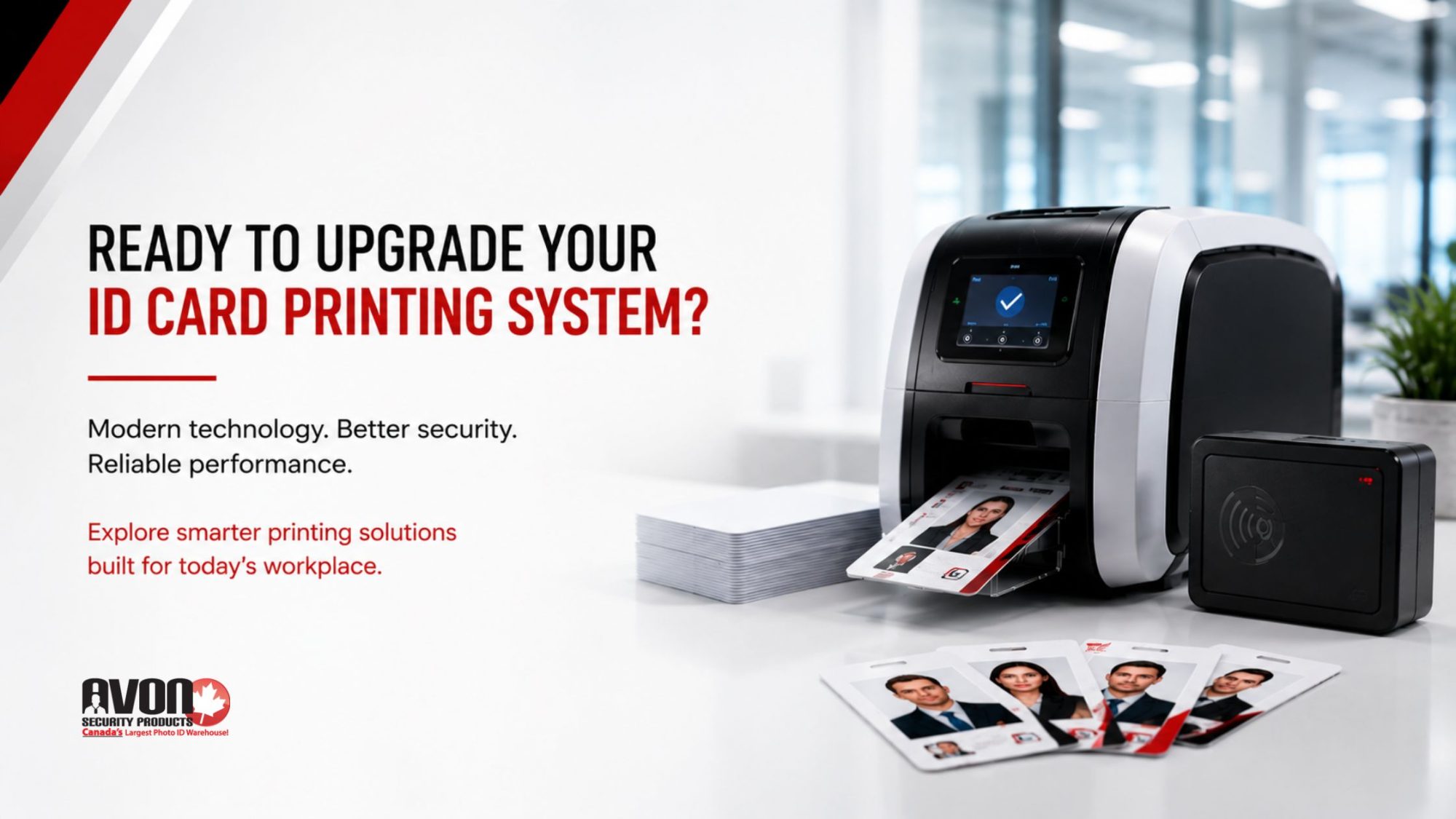
Modern ID card printing system producing employee badges with enhanced security and performance features, designed to support workplace credential management and access control programs.

How Avon Security Products Helps Organizations Upgrade Smarter

Upgrading an ID card printer should not feel like guessing. Avon Security Products helps Canadian organizations evaluate outdated badge printing equipment, compare replacement options, and determine when a trade in or full upgrade makes the most operational and financial sense.

From professional badge printers and ribbons to credential software and visitor management solutions, Avon helps organizations modernize ID printing workflows with technology designed for today’s workplace security needs.

The goal is not simply replacing hardware. It is helping organizations build more reliable, secure, and scalable credential programs that support long term operational growth.

Modernizing an ID card printing system is not only about improving print quality. It also supports stronger physical security practices, secure credential issuance, and more reliable access management aligned with evolving cybersecurity recommendations in Canada.

Key Takeaways

  • Older ID card printers often create hidden operational costs long before they fully stop working
  • Modern ID card printers improve print quality, workflow efficiency, software compatibility, and security capabilities
  • Trade in programs can help reduce upgrade costs when existing equipment still holds value
  • Repeated repairs and software compatibility issues are strong indicators that replacement may make sense
  • Modern credential programs increasingly require stronger integration with workplace security systems
  • Choosing the right printer involves more than hardware pricing alone
  • Avon Security Products helps Canadian organizations evaluate, upgrade, and modernize ID card printing systems with long term operational support in mind

Frequently Asked Questions

How do I know if my ID card printer is too old?

If your printer experiences frequent errors, declining print quality, software compatibility issues, or increasing maintenance costs, it may be time to evaluate replacement options. Older printers can continue functioning while still creating operational inefficiencies that affect security workflows, onboarding processes, and overall credential management reliability.

Is an ID card printer trade in worth it?

An ID card printer trade in can help reduce upgrade costs if the equipment still functions reasonably well and retains manufacturer support. Trade ins are often beneficial for organizations moving to newer systems with improved security features, faster printing speeds, and better long term software compatibility.

What are the biggest benefits of newer ID card printers?

Modern ID card printers typically offer improved print quality, stronger security features, faster production speeds, better ribbon efficiency, and easier integration with modern credential management platforms. Many also support advanced encryption, smart card encoding, and scalable enterprise workflows for growing organizations.

What is usually required for an ID card printer trade in?

Most trade in programs require organizations to provide details about their current printer model, operational condition, and existing workflow setup. Eligibility may depend on manufacturer support status, compatibility with newer systems, and whether the equipment still functions reliably on an older operating system or legacy printing environment.

Should organizations repair or replace older badge printers?

The decision depends on repair frequency, maintenance costs, operational downtime, and compatibility limitations. If repairs are becoming frequent or the printer no longer supports your organization’s security and workflow requirements, replacement often provides better long term value and reliability.

What should organizations consider before upgrading an ID card printer?

Organizations should evaluate print volume, security requirements, software compatibility, future scalability, support availability, and overall operational efficiency. The best upgrade decision balances current needs with long term credential management goals rather than focusing only on initial hardware pricing.

Upgrade Your ID Card Printing System With Confidence

Modern ID card printing systems are no longer optional for organizations managing workplace security, employee credentials, visitor identification, and scalable operational workflows.

Whether your organization is considering a trade in, replacing outdated equipment, or evaluating completely new badge printing technology, Avon Security Products helps Canadian organizations make smarter upgrade decisions with reliable technology, trusted manufacturer solutions, and long term support designed for modern security environments.

How Canadian Organizations Are Modernizing Their ID Card Systems

Employees using access control cards in a modern office environment, illustrating best practices for cleaning ID cards without damaging print quality, RFID technology, or security features.

Modern ID card systems are secure credentialing platforms that help organizations manage employee identification, access control, visitor tracking, and workplace security through connected badge printing and authentication technology.

Across Canada, organizations are rethinking how identification works inside offices, hospitals, schools, government facilities, and industrial environments. The plastic badge clipped onto a lanyard is no longer just a photo ID. It has become part of a much larger infrastructure tied to security, operations, access management, and workplace efficiency.

As hybrid work models evolve, security expectations rise, and organizations demand faster credential management, many companies are upgrading from outdated badge printers and disconnected systems toward fully integrated modern ID card systems that support smarter, more secure workplaces.

Inside This Guide

  • Why Canadian organizations are upgrading outdated ID card systems
  • How modern badge programs improve security, access control, and credential management
  • What organizations should assess before upgrading printers or software
  • How integrated ID infrastructure supports scalability and operational efficiency
  • Why enterprise grade printer technology and Canadian support matter long term

The Old ID Badge Model Is Starting to Break Down

A surprising number of organizations still rely on aging printers, outdated software, manually managed spreadsheets, and badge systems that were implemented years ago with little long term planning.

At first, those systems may still appear functional. Employees can receive cards. Visitors can be printed temporary badges. Doors still unlock. But underneath the surface, inefficiencies start stacking up quickly.

Older systems often create problems such as:

  • Slow badge issuance
  • Frequent printer downtime
  • Limited security features
  • Inconsistent card quality
  • Difficulty replacing supplies
  • Weak integration with access systems
  • Manual approval workflows
  • Limited scalability for growing teams

The problem is not simply that the hardware is old. The bigger issue is that many legacy systems were never designed for how modern organizations operate today.

Canadian businesses are now prioritizing flexibility, centralized management, stronger authentication, and faster credential issuance across multiple departments and locations. That shift is pushing organizations toward smarter, more connected corporate ID systems.

Security Is No Longer Just About the Badge

The modern workplace has changed dramatically over the last few years. Organizations now manage rotating hybrid schedules, temporary contractors, third party vendors, remote onboarding, shared workspaces, and growing cybersecurity concerns. Physical security and digital security increasingly overlap.

That means ID cards now serve multiple purposes at once.

A single badge may be used for:

  • Building access
  • Secure printing
  • Visitor management
  • Attendance tracking
  • Time logging
  • Department authentication
  • Cashless cafeteria payments
  • Elevator access
  • Parking permissions

This is where technologies like proximity card systems become increasingly valuable. Instead of relying solely on visual identification, organizations are integrating RFID, smart card encoding, and encrypted authentication features directly into employee credentials. That creates stronger security while reducing friction for employees moving throughout a facility.

Provincial government guidance in British Columbia also highlights how visible identification programs support workplace safety, access control, and security awareness across organizational environments. The result feels less like traditional badge printing and more like connected infrastructure.

The Organizations Modernizing Fastest Might Surprise You

Large corporations are not the only organizations upgrading their badge programs.

Across Canada, modernization is happening inside:

  • Healthcare facilities
  • School boards
  • Universities
  • Manufacturing plants
  • Municipal buildings
  • Construction firms
  • Distribution centers
  • Financial institutions
  • Property management companies

Healthcare organizations, for example, often need secure staff credentials that support role based access across sensitive departments.

Educational institutions require scalable student and faculty card issuance with integrated access permissions.

Corporate offices are investing in flexible employee badge systems that support hybrid work environments while improving workplace security and visitor management.

The Government of Canada itself maintains structured credentialing and identification programs for employees, contractors, students, and visitors across secure operational environments, reinforcing how important modern badge infrastructure has become for large organizations.

The common thread is simple. Organizations want systems that work faster, integrate more easily, and reduce administrative strain.

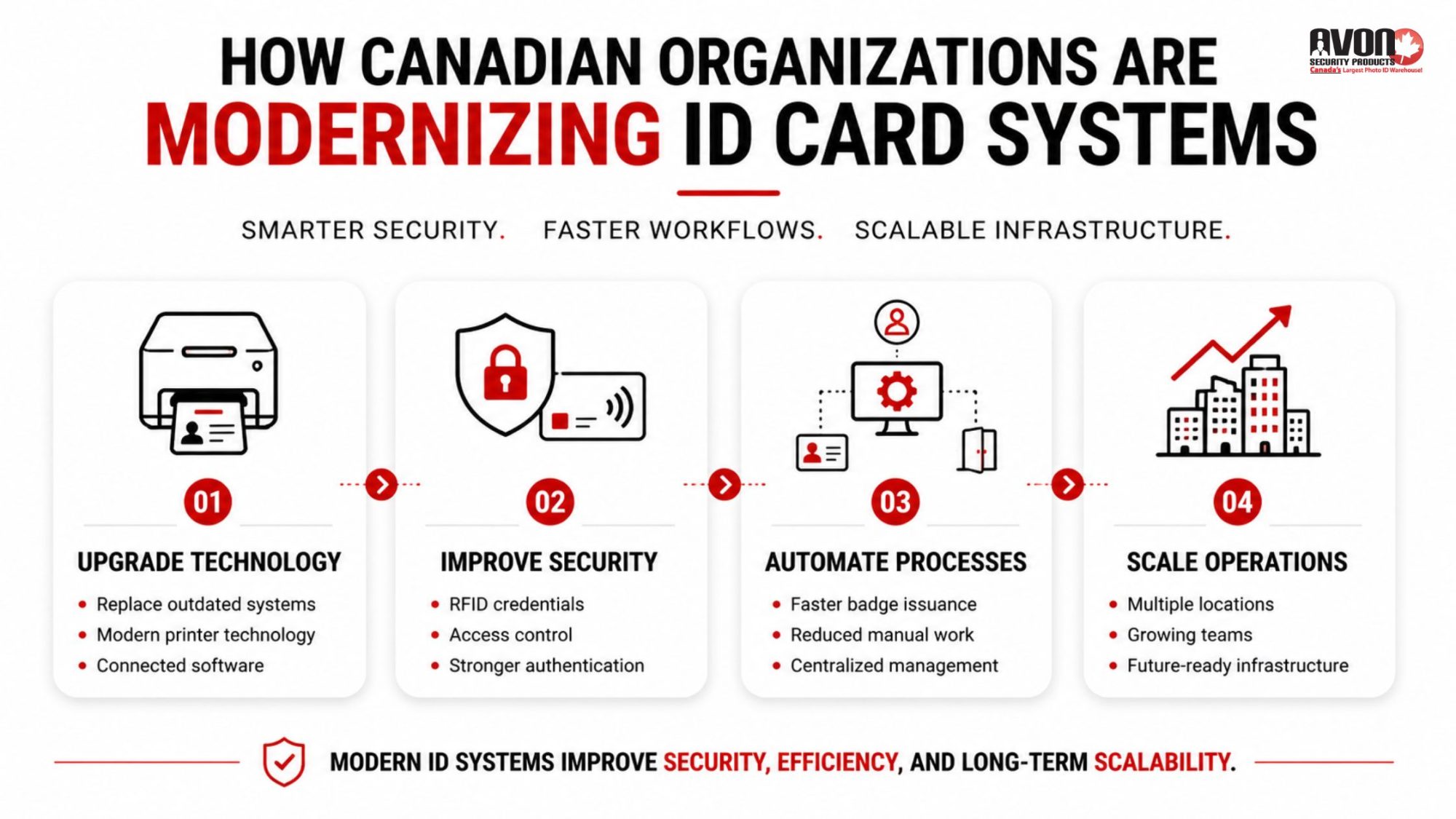
Infographic showing how Canadian organizations are modernizing ID card systems through upgraded technology, improved security, automated credential management, and scalable workplace infrastructure.

Assessing and Auditing Existing ID Card Systems Before Upgrading

One of the biggest mistakes organizations make is upgrading hardware without evaluating the larger credentialing workflow around it.

A modern printer alone does not solve operational inefficiencies.

Before upgrading, organizations should carefully assess:

  • Current badge issuance processes
  • Security vulnerabilities
  • Software compatibility
  • Supply reliability
  • Card durability issues
  • Printer maintenance history
  • Employee onboarding workflows
  • Access control integration limitations

Many organizations discover their biggest bottlenecks are not actually the printers themselves. The issues often come from disconnected approval processes, inconsistent policies, outdated encoding methods, or manual credential management.

The RCMP’s Access Management Guide also emphasizes the importance of properly managing physical access systems, credential controls, and ongoing security oversight as part of modern organizational security planning.

A proper audit helps organizations identify where modernization will create the greatest operational improvements.

Design and Branding Matter More Than Organizations Realize

An ID badge is often one of the most visible branded items employees carry every day.

Poorly designed cards can appear outdated, inconsistent, or difficult to verify visually. Modern organizations are investing more heavily in professional card design that balances branding, usability, and security.

That includes:

  • Cleaner layouts
  • Better photo quality
  • Department color coding
  • Embedded security elements
  • Custom holographic overlays
  • Improved card durability
  • Scannable barcode integration

Organizations are also paying closer attention to what to include on employee ID cards beyond simply a name and photo.

Depending on the environment, badges may include:

  • Expiration dates
  • Security clearance indicators
  • Department identifiers
  • Emergency response roles
  • QR codes
  • Smart chip encoding
  • Visitor classification markers

The badge itself becomes part of the organization’s operational infrastructure.

Integration Is Becoming the New Standard

Modern ID infrastructure no longer operates independently.

Organizations increasingly want badge systems connected directly to:

  • HR platforms
  • Visitor management systems
  • Security software
  • Access control systems
  • Time tracking tools
  • Student information systems
  • Building management platforms

This integration reduces duplicate administrative work while improving consistency across departments.

When an employee leaves the organization, access permissions can be updated immediately. When a contractor is approved, credentials can be generated faster. When a visitor arrives, temporary badges can be issued more efficiently.

Connected systems create smoother workflows while strengthening overall security management.

Standards organizations like NIST have also published extensive guidance on integrating secure credentials with physical access control systems as workplaces continue modernizing security infrastructure.

That is one reason organizations are investing more heavily in enterprise grade ID card software solutions that support centralized credential management rather than isolated desktop workflows.

Why Printer Technology Is Quietly Becoming a Competitive Advantage

Printer technology has advanced significantly over the last several years.

Modern printers offer:

  • Faster print speeds
  • Improved image resolution
  • Enhanced encoding support
  • Better ribbon efficiency
  • Cloud connected management
  • Remote diagnostics
  • Improved security protocols
  • Reduced downtime

Organizations running high volume badge programs often discover that upgrading hardware dramatically improves operational efficiency over time.

Avon Security Products supports Canadian organizations with advanced printer technology through partnerships with trusted manufacturers, including access to systems like the Entrust DSE printer, which helps organizations manage secure, enterprise level credential issuance with greater reliability and scalability.

For organizations issuing hundreds or thousands of credentials annually, those efficiencies matter.

Streamlining Issuance and Management Processes Changes Everything

The organizations modernizing most successfully are not simply buying better hardware. They are redesigning the entire credential lifecycle.

That includes:

  • Faster onboarding workflows
  • Standardized badge approvals
  • Automated card expiration tracking
  • Centralized employee databases
  • Secure visitor credentialing
  • Simplified replacement card management

These improvements reduce administrative burden while creating more consistent security practices across departments.

The Canadian Centre for Cyber Security also recognizes physical access controls, credential systems, and secure authentication tools as important components of broader organizational security strategies.

Modernization also improves the employee experience itself. New hires receive credentials faster. Visitors move through check in more smoothly. Security teams spend less time troubleshooting outdated equipment. Small operational improvements compound quickly across large organizations.

Planning for Scalability Matters More Than Most Organizations Expect

Many organizations outgrow their original badge systems much faster than anticipated.

A company that once issued 50 employee badges may suddenly need:

  • Multiple office support
  • Visitor management integration
  • Secure contractor credentials
  • Access control expansion
  • Mobile credential compatibility
  • Higher print volumes

Modernization should account for future operational growth, not just immediate needs.

Scalable systems help organizations avoid expensive infrastructure replacements later while creating more flexibility for evolving workplace requirements.

This becomes especially important as organizations continue exploring modern uses for security ID cards beyond traditional identification alone.

Modern employee ID card system featuring an ID card printer, access control reader, and employee badge in a secure office environment designed to improve workplace security and operational efficiency

Canadian Organizations Want Canadian Support

Support matters more than many organizations realize until something breaks.

Printer downtime, supply shortages, software issues, or encoding problems can quickly disrupt daily operations.

Avon Security Products supports organizations across Canada with:

  • Enterprise ID card printers
  • Genuine ribbons and supplies
  • Secure card technologies
  • Technical guidance
  • Product support
  • Professional badge issuance solutions

Organizations benefit from Canadian based expertise, reliable product access, and guidance tailored to real operational environments across healthcare, education, corporate, and government sectors.

That level of support becomes increasingly valuable as ID infrastructure grows more sophisticated.

Key Takeaways

  • Modern ID card systems now support security, access management, visitor tracking, and operational workflows simultaneously.
  • Canadian organizations are upgrading outdated badge infrastructure to improve efficiency, scalability, and credential security.
  • Integrated systems connected to HR, security, and access platforms create smoother management processes.
  • Advanced printer technology improves reliability, print quality, and long term operational performance.

Avon Security Products supports Canadian organizations with enterprise grade ID systems, supplies, and credentialing expertise.

Frequently Asked Questions

Why are Canadian organizations upgrading their ID card systems?

Many organizations are modernizing their ID systems to improve security, simplify credential management, support hybrid workplaces, and integrate access control more effectively. Older systems often struggle with scalability, reliability, and modern security requirements.

What features do modern ID card systems include?

Modern systems may include RFID technology, smart card encoding, visitor management integration, cloud connected software, access control compatibility, centralized credential management, and advanced badge security features.

How do proximity cards improve workplace security?

Proximity cards help organizations control physical access more securely by allowing authorized users to access specific areas without relying solely on visual identification. Many systems also support encrypted authentication and activity tracking.

When should an organization upgrade its badge printing system?

Organizations should consider upgrading when they experience frequent printer downtime, slow issuance processes, outdated software limitations, security concerns, or increased credential management demands due to growth or operational changes.

What industries benefit most from modern ID badge systems?

Healthcare, education, government, manufacturing, corporate offices, and property management organizations commonly benefit from modernized ID infrastructure because they often manage high volumes of employees, visitors, contractors, or secure access requirements.

Final Thoughts

Modernizing an ID card system is about more than upgrading hardware. It is about creating a more secure, efficient, and scalable way to manage people, access, and workplace operations.

With the right technology and support, Canadian organizations can build modern ID card systems that are ready for both today’s security needs and tomorrow’s growth.

Common Mistakes to Avoid When Buying an ID Card Printer

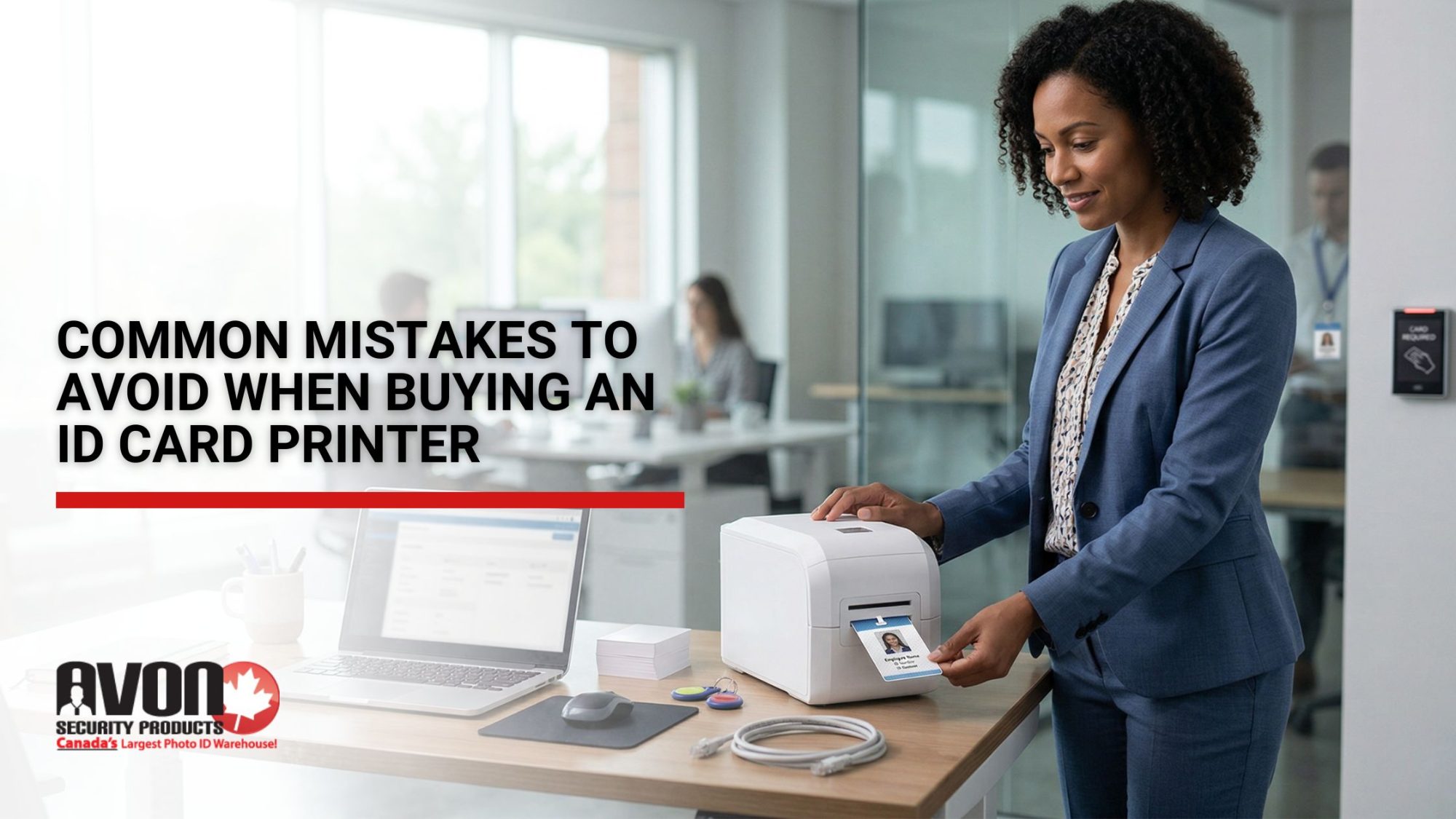
Professional office setting where a woman uses an ID card printer to print an employee badge, highlighting common mistakes to avoid when buying an ID card printer for business use in Canada

Organizations across Canada rely on ID cards every day. Employees badge into offices, students access campus facilities, healthcare staff verify identity quickly, and government agencies manage secure credentials. Behind each of these systems is a decision that often seems straightforward at first: choosing an ID card printer.

Yet many organizations approach this purchase with limited information. They focus on the printer itself rather than the broader badge printing ecosystem. The result can be unexpected costs, operational delays, or equipment that fails to meet long term needs.

If you are evaluating ID card printers in Canada, understanding common purchasing mistakes can save significant time and money. The right printer should support your workflow, security requirements, and future growth. The wrong one can create friction that follows your organization for years.

Below are some of the most common mistakes organizations make when selecting an ID card printer and how to avoid them.

Prioritizing Price Instead of Long Term Value

Budget considerations matter. However, choosing the lowest priced printer often leads to higher long term costs. Entry level printers may appear affordable at first, but they can lack durability, scalability, and compatibility with advanced security features. Organizations sometimes discover later that the printer cannot support additional modules such as encoding systems or dual sided printing upgrades.

A strong purchasing decision looks beyond the hardware price. Total cost of ownership includes supplies, maintenance, training, and future expansion.

Organizations that invest in new datacard printers for businesses often benefit from improved reliability, faster printing speeds, and compatibility with modern credential technologies. When evaluating printers, consider long term operational value rather than simply the upfront price.

Overlooking Print Quality and Technology Differences

Print quality affects more than appearance. It directly impacts security and usability. Poor print resolution can make photos difficult to recognize. Text and barcodes may appear blurred, which can interfere with scanning systems or access control technology. Over time, low quality printing may also fade faster, requiring more frequent card replacement.

Organizations using encoded credentials such as a proximity card should also consider how printing quality interacts with embedded technologies. High quality printers ensure that graphics, photos, and encoded features all function properly within the same card design.

Research on smart identification systems shows that technologies such as RFID and NFC are increasingly embedded in modern credentials to automate authentication and improve facility access control. One academic study examining RFID enabled identification systems explains how these technologies strengthen identification and tracking across secure environments.

Choosing a printer designed for professional identification systems ensures cards remain clear, durable, and secure.

Ignoring Print Volume and Speed Requirements

Many organizations underestimate how frequently they will print ID cards. What begins as a small project quickly becomes a daily operational need.

For example, schools may initially print staff credentials but later add student IDs, visitor passes, and replacement cards throughout the year. Corporate offices may need badges for contractors, temporary workers, and new hires.

If the printer cannot handle the required volume, the process becomes slow and inefficient. Lower capacity printers may overheat or require frequent pauses during large print runs.

Understanding expected card production helps determine the right printer category. Entry level printers are often ideal for small offices. Mid range or industrial printers are better suited for high volume environments where speed and durability matter.

Choosing the Wrong Printer Type or Model

Not all ID card printers operate the same way. Different printing technologies produce different results.

Most modern systems rely on dye sublimation or retransfer printing. Dye sublimation printers are common for everyday identification cards and produce reliable color images on standard PVC cards. Retransfer printers are typically used when higher image quality, edge to edge printing, or specialty card materials are required.

Organizations that overlook these differences may end up with cards that lack the professional appearance or durability they expected.

A comprehensive ID card printer buying guide should evaluate several factors including print technology, card compatibility, image quality, and integration with existing systems. Selecting the correct model ensures the printer supports both operational needs and visual quality standards.

Neglecting Security Features

ID cards are not just identification tools. They are security devices. Modern credentials often incorporate security elements such as holographic overlays, smart chip encoding, magnetic stripe technology, or embedded proximity access features. These elements protect against unauthorized duplication and strengthen access control systems.

Organizations sometimes purchase printers without considering how these security components will be integrated. A printer that cannot support encoding modules or specialized laminates may limit future security upgrades.

Many organizations also integrate identification systems into larger identity management frameworks. The Government of Canada’s Identity, Credential and Access Management framework outlines how secure credentials such as smart cards are used to control access to facilities, systems, and sensitive information.

Security researchers also continue to study vulnerabilities within RFID credential systems. Academic analysis of RFID authentication and security challenges highlights why secure encoding and credential management are essential components of modern access control systems.

A well designed ID printing system considers both visual identification and credential security. Selecting equipment that supports secure printing and encoding ensures your system evolves alongside your organization’s safety requirements.

Not Considering Dual Sided Printing Needs

Another common oversight is failing to consider whether cards require printing on both sides. Many organizations begin with simple front facing credentials. Over time they realize that the back of the card could contain important information such as emergency contacts, barcodes, access instructions, or policy reminders. At that point, a single sided printer becomes a limitation.

Understanding the difference between a single-sided vs dual-sided ID printer helps organizations plan ahead. Dual sided printing systems allow more flexibility for design and information placement without requiring manual refeeding of cards. Planning for dual sided capability early can prevent costly upgrades or replacements later.

Ignoring Future Needs and Scalability

Operational needs rarely stay static. A company with 50 employees today may have 200 within a few years. A healthcare facility may introduce new credential requirements for contractors, volunteers, and temporary staff. Schools may expand programs that require additional badge access. If the printing system cannot scale with these changes, organizations may be forced to replace equipment prematurely.

Scalable solutions allow for upgrades such as encoding modules, lamination systems, or higher capacity card hoppers. These features allow the printer to grow with the organization rather than becoming obsolete.

Credential technologies also play a role in broader security infrastructure. Canada’s national cybersecurity guidance on Identity, Credential and Access Management explains how scalable credential systems help organizations manage identity verification and secure access across expanding digital and physical environments. Thinking about future needs during the purchasing stage helps avoid costly replacements later.

Disregarding Support, Maintenance, and Technical Assistance

One of the most overlooked factors in printer purchasing decisions is ongoing technical support.

Even the most reliable printers require occasional troubleshooting, supply replacements, and system updates. When organizations purchase equipment from overseas vendors or unfamiliar online marketplaces, technical assistance may be difficult to access.

Reliable suppliers provide guidance on setup, software compatibility, and operational training. They also supply genuine ID printer supplies and ribbons that maintain printer performance and protect warranty coverage.

Long term success with badge printing depends on having access to knowledgeable support teams that understand the equipment and its applications.

Overlooking Maintenance Requirements

Every ID card printer requires routine care to maintain consistent performance. Cleaning kits, calibration tools, and periodic servicing help prevent issues such as streaking, color inconsistency, or print head damage. Organizations that neglect maintenance often experience reduced print quality and unexpected downtime.

Planning for ID card printer maintenance ensures the equipment continues operating smoothly throughout its lifecycle. Preventative care extends printer longevity and protects the investment organizations make in their badge printing systems.

The Value of Local Expertise When Choosing an ID Card Printer

Selecting an ID card printer should never be treated as a simple equipment purchase. It is part of a larger identification and security system that supports daily operations. Organizations benefit greatly from working with knowledgeable suppliers who understand credential printing technologies, security requirements, and system compatibility.

Avon Security Products provides Canadian based expertise and support for organizations seeking secure badge printing solutions. From schools and hospitals to corporate offices and government facilities, we help organizations evaluate the full picture. With the right guidance, organizations can make confident purchasing decisions that protect both their operations and their investment.

The Hidden Costs of Buying ID Printers from Overseas Suppliers

Professional ID card printer producing a photo ID card on an office desk, illustrating the risks and hidden costs of buying ID printers from overseas suppliers.

At first glance, buying an ID printer from overseas can look like a smart financial move. The sticker price seems lower. The product specs appear comparable. The supplier promises fast delivery and global support. But for many Canadian organizations, that initial saving quietly disappears once the real costs begin to surface.

Hidden costs are rarely listed on a product page. They show up later in delayed shipments, unexpected fees, inconsistent print quality, and long support wait times. Over time, these issues do more than strain budgets. They disrupt operations, introduce compliance risks, and create avoidable frustration for teams that rely on secure identification systems every day.

This is where working with a Canadian ID printer supplier changes the equation. Local purchasing is not just about patriotism. It is about predictability, accountability, and long term value.

Duties, Taxes, and Currency Fluctuations That Add Up Quickly

Overseas pricing is often presented in foreign currency and excludes the costs that come with importing technology into Canada. Duties, brokerage fees, customs clearance charges, and fluctuating exchange rates can significantly inflate the final price.

What starts as a competitive quote can quickly become unpredictable. Currency shifts between the time of purchase and the time of payment can add hundreds or even thousands of dollars to a single order. These costs are difficult to forecast and even harder to explain when budgets are already approved.

According to the Canada Border Services Agency, commercial imports are subject to specific duty classifications and tax rules that many buyers only discover after goods arrive at the border, adding unexpected costs to overseas purchases.

Buying locally removes this uncertainty. Pricing is in Canadian dollars, import duties are eliminated, and procurement teams can plan with confidence instead of reacting to surprise charges.

Shipping Delays and the True Cost of Waiting

International shipping introduces risk at every stage. Port congestion, customs inspections, weather disruptions, and global supply chain bottlenecks can all delay delivery. When ID printers are tied to onboarding, access control, or compliance deadlines, delays are not just inconvenient. They are costly.

Missed start dates, manual workarounds, and postponed security upgrades all translate into lost productivity. In high turnover environments or regulated sectors, even short delays can have operational consequences.

The Canada Border Services Agency notes that clearance timelines and border processing requirements can vary widely depending on shipment classification and origin, making overseas delivery dates difficult to guarantee.

Working with a Canadian supplier helps organizations avoid shipping delays in Canada by relying on domestic inventory and faster fulfillment. When timelines matter, proximity becomes a competitive advantage.

Consumables and Ongoing Supplies That Are Harder to Source

An ID printer is only as useful as the supplies that support it. Ribbons, cards, cleaning kits, and replacement parts are recurring necessities. Overseas suppliers often focus on the initial sale, leaving customers to navigate consumables sourcing on their own.

This can lead to longer wait times, higher shipping costs, and compatibility issues if supplies are discontinued or updated without notice. In some cases, organizations are forced to stockpile consumables, tying up capital and storage space.

Local suppliers simplify this process by offering consistent access to approved supplies that are readily available. This ensures continuity and protects print quality over the life of the system.

Maintenance, Repairs, and Support That Cross Time Zones

When something goes wrong with an ID printer, response time matters. Overseas support teams operate in different time zones, often rely on email only communication, and may require international shipping for repairs. This extends downtime and increases costs.

Shipping a printer overseas for service introduces additional risks, including damage in transit and customs delays. Warranty claims can become complicated, especially when international return policies are unclear.

By contrast, Avon Security Products offers local warranties and in-country repair services. Issues are resolved faster, communication is clearer, and organizations spend less time managing problems and more time operating securely.

Print Quality and Reliability Over the Long Term

Not all printers age the same way. Overseas models may meet specifications at launch but struggle to maintain consistency as components wear. Variations in ribbon quality, firmware updates, and unsupported parts can lead to fading, misalignment, or reprints.

Each failed card represents wasted supplies, staff time, and potential security exposure. Over months and years, these small inefficiencies compound into measurable costs.

Reliable print quality is not just about aesthetics. It is about ensuring that credentials remain readable, durable, and professional throughout their intended lifespan.

Flexibility and Compatibility Issues Inside Real Workflows

Many overseas printers are designed for global markets with limited consideration for regional systems. This can create compatibility challenges with access control software, card formats, or data handling requirements commonly used in Canada.

Organizations may find themselves locked into proprietary systems or unable to integrate printers seamlessly into existing workflows. Customization options can be limited, and support for third party integrations may be minimal.

Global Affairs Canada outlines how harmonized system classifications and trade regulations affect imported technology products, which can also influence compatibility and long term system planning.

Choosing solutions designed for ID card systems in Canada ensures better alignment with local infrastructure and evolving operational needs.

Energy Consumption and Environmental Impact

Energy efficiency is an often overlooked cost factor. Some overseas printers consume more power, generate more waste, or rely on consumables that are difficult to recycle locally. Over time, higher energy usage and disposal challenges increase operating costs and environmental impact.

Canadian organizations are increasingly accountable for sustainability commitments. Equipment choices play a role in meeting those goals, especially in large scale deployments.

Local suppliers are better positioned to recommend models that balance performance with responsible energy use and environmental considerations.

Reputation and Brand Risk You Cannot Ignore

Identification systems are visible. Poor print quality, inconsistent card durability, or system downtime reflect directly on the organization issuing them. For schools, healthcare facilities, government offices, and corporations, these details shape trust.

Relying on overseas suppliers with limited accountability introduces reputational risk. When issues arise, resolution may be slow or incomplete, leaving organizations to manage the fallout internally.

Working with a trusted local partner reinforces professionalism and reliability at every touchpoint.

Time and Productivity Losses That Drain Teams

Every delay, reprint, support ticket, and workaround consumes staff time. These hidden productivity losses rarely appear in procurement comparisons, yet they have real financial impact.

IT teams spend hours troubleshooting. Administrative staff manage supply shortages. Managers explain delays to stakeholders. Over time, these distractions pull focus away from core responsibilities.

Choosing to shop local reduces friction across the entire lifecycle of an ID printing system, freeing teams to focus on higher value work.

Why Canadian Organizations Choose Avon Security Products

The true cost of an ID printer is revealed over years, not at checkout. Canadian organizations increasingly recognize that local sourcing delivers better outcomes financially and operationally.

The Canada Border Services Agency publishes detailed tariff schedules showing how imported goods are classified and taxed, reinforcing why overseas pricing often fails to reflect true landed costs.

Avon Security Products can help businesses avoid hidden costs through transparent CAD pricing, fast domestic shipping, and dependable local support. With tailored solutions for schools, healthcare, government, and commercial environments, Avon provides more than hardware. It delivers confidence.

When reliability, compliance, and long term value matter, buying Canadian is not a compromise. It is the smarter investment.

Choosing Between Single-Sided and Dual-Sided Sigma DSE Printers

Sigma DSE card printer showing comparison between single-sided and dual-sided ID card printing for secure photo ID production.

Every organization that issues identification cards eventually faces the same question. Should we choose a single sided or dual sided Sigma DSE printer? It may seem like a technical decision, but the configuration you select has long term implications for security, productivity, cost, and how your organization manages access.

The right ID card printer configuration is not about choosing the most advanced option. It is about choosing the one that matches your real world needs. This guide walks through the practical differences between single sided and dual sided Sigma DSE printers so you can make a confident, future ready choice.

Overview of Single Sided and Dual Sided Printers

At their core, both configurations of the Sigma DSE printer are built for reliability, print clarity, and secure operation. The difference lies in how the card is printed.

A single-sided Datacard Sigma DSE prints only on the front of the card. To add information to the back, the card must be manually flipped and sent through the printer again.

A dual-sided Datacard Sigma printer automatically prints both sides of the card in a single pass. The card moves through the printer once, with the system handling the flip internally.

This difference may sound small, but it directly impacts speed, workflow efficiency, data layout, and how securely your cards can store information. Government design standards reinforce why consistent card layouts and disciplined production choices matter, especially when IDs must remain clear, durable, and easy to interpret in real operational settings.

Key Differences Between Printer Types

The most noticeable difference between a single sided ID card printer and a dual sided ID card printer is automation.

With a single sided unit, every card that needs information on both sides requires two print steps and manual handling. This adds time and introduces the possibility of misprints or alignment errors.

A dual sided printer removes that friction. The system prints both sides in one process, reducing touch points and improving consistency. This becomes especially important in environments where cards include barcodes, access rules, or legal disclaimers that must remain readable and correctly positioned.

Security focused programs often align card issuance with federal identity standards such as FIPS 201 3, which outlines physical and logical credential requirements for secure ID systems.

Printing Speed and Volume Considerations

Speed is not just about how fast a printer runs. It is about how efficiently your team can issue cards during peak demand and how well your card printing solutions support real operational workflows.

Single sided printers work well for low volume environments where cards only require front facing information. Schools issuing basic student IDs or small offices printing occasional staff badges often find this setup sufficient.

Dual sided printers are designed for higher volume environments. Hospitals, government offices, manufacturing plants, and corporate campuses often need to issue dozens or hundreds of cards at a time. When cards must include access instructions, security notices, or encoded data on the back, the dual pass process becomes essential.

Organizations that follow digital identity frameworks such as NIST SP 800 63A understand that enrollment and identity proofing processes depend on consistent credential production methods.

Customization Needs and Use Cases

Your card design often determines your printer configuration.

If your organization uses the back of the card for signatures, QR codes, magnetic stripes, or compliance text, a dual sided printer supports this layout without slowing production.

Single sided printers are ideal when the card front holds all required information and the back remains blank or unused. This is common for visitor badges, event passes, or temporary access cards.

Design frameworks such as the AAMVA Secure DLID Card Design Guidelines reinforce the importance of structured layouts that protect card integrity and reduce fraud.

Cost and Budget Implications

Upfront cost is often the first comparison point, but it should never be the only one.

A single sided printer has a lower purchase price and is attractive for organizations with limited budgets or simple card programs.

A dual sided printer costs more initially, but it reduces labor time, minimizes card handling errors, and supports more advanced security features. Over time, these operational savings often outweigh the difference in price.

The true cost is not what you pay today. It is what you spend maintaining efficiency and security over the lifespan of the system.

Additional Features and Options

The Sigma DSE printer is designed to support encryption, authentication, and firmware protections that align with modern secure card printing environments.

Optional modules such as lamination and encoding enhance both single and dual sided printers. However, many of these features reach their full potential when paired with a dual sided configuration that supports layered data placement and compliance requirements.

Criteria for Choosing the Right Printer

Ask the questions that reflect how your organization actually works.

How many cards will you print each month?

Does your card design require back side content?

Will your security needs grow within three years?

How much staff time is spent handling card printing?

Do you need room to expand your access program?

Your answers will guide you toward the configuration that supports both present needs and future scalability.

The Role of the Sigma DSE Printer in Modern Security

The Sigma DSE printer platform supports reliability, clarity, and long term performance.

What matters most is choosing the configuration that aligns with how your organization issues, manages, and protects identity credentials.

Avon Security Products approaches this decision with practical guidance, not sales pressure. Their role is to help organizations choose ID card printers that match operational reality, not feature hype.

When supported by the right partner and configuration, your ID program becomes part of a secure and efficient access ecosystem.

Frequently Asked Questions and Expert Advice

Many buyers worry about choosing too much or too little. The goal is not to overbuy. It is to avoid being locked into a system that limits you as your program evolves.

Do I really need a dual sided printer if my cards look simple today?

If your cards only display a photo, name, and logo on the front, a single sided printer may be sufficient for now. However, many organizations later need to add barcodes, compliance text, access instructions, or encoded data on the back. If you expect your security needs to grow, a dual sided printer gives you room to expand without replacing hardware.

Will a single sided printer slow down our card issuance process?

A single sided printer works well for low volume environments. However, if you frequently print cards that require both sides, the manual flipping process adds time and increases the chance of errors. For teams issuing larger batches, a dual sided printer significantly improves workflow efficiency and consistency.

Which option is better for secure or regulated environments?

Facilities that manage access control, personal data, or compliance requirements typically benefit from dual sided printers. The additional print surface allows for layered security information and reduces the need for manual handling. This supports more controlled, reliable credential issuance over the long term.

Final Thoughts

Choosing between a single sided ID card printer and a dual sided ID card printer is not about features. It is about fit.

The Sigma DSE printer offers both options because no two organizations operate the same way. With the right configuration, your program gains efficiency, compliance readiness, and room to grow.

How the New Datacard Printers Help Businesses Upgrade Their ID Workflow Overnight

Professional woman using a Datacard ID printer system in a modern workplace, illustrating upgraded ID card printing workflows and secure credential management.

Modern identification should feel seamless. Fast printing, crisp graphics, predictable performance, and instant readiness are no longer luxuries. They are expectations. The newest generation of Datacard printers delivers exactly that, empowering organizations to upgrade their ID issuance workflow in a single day with dramatically faster output, simplified setup, and noticeably better print quality.

Strong identification processes are more important than ever. The Government of Canada’s Identity, Credential and Access Management Framework outlines how reliable, secure, and clearly authenticated credentials form the backbone of organizational security. When your physical IDs align with these standards, everything from access control to visitor management becomes stronger and easier to maintain.

Avon Security Products has helped more than twenty five thousand businesses elevate their ID programs. With next day delivery, expert configuration, and lifetime technical assistance, teams can move from outdated equipment to modernized identification almost immediately.

Below is how the new Datacard lineup transforms ID creation from a bottleneck into a reliable workflow that supports your entire organization.

Power Up Faster with High Speed ID Printing That Never Slows You Down

Businesses rely on ID cards every day. Employee badges, visitor passes, student IDs, access control credentials. The faster they are produced, the sooner people can move through buildings and workflows without delay.

The newest Datacard models deliver impressive output speeds along with consistent colour vibrancy and edge to edge clarity. A professional Datacard ID printer produces sharp text, crisp barcodes, and photo quality images that scan correctly the first time.

This level of precision matters. The Office of the Privacy Commissioner of Canada notes that strong identification and authentication practices reduce vulnerabilities across internal systems. High quality, tamper resistant ID cards create an additional layer of trustworthiness and significantly reduce administrative errors.

For organizations that process frequent onboarding or time sensitive identification, what once took minutes now takes seconds. Administrators gain time back, employees avoid delays, and identification becomes a seamless part of daily operations.

Benefits of Firmware Upgrades That Keep Your Printer Performing Like New

One of the most underrated strengths of the Datacard ecosystem is its intelligent firmware architecture. Firmware upgrades give businesses continuous improvements long after installation.

With each update, printers gain enhanced image stability, improved ribbon calibration, refined card feeding, and stronger device security. These adjustments reduce misprints, improve clarity, and maintain accurate imaging even under heavy workloads.

Ongoing updates also support compliance. Canadian Cyber Security Centre guidance emphasizes the importance of well maintained identity and credential systems as part of broader access management. Keeping your printer firmware up to date ensures your hardware supports those evolving standards.

It is a simple upgrade that strengthens your investment and protects long term performance.

Differences Between Printer Models That Help You Choose the Right Fit

Every Datacard unit is designed for reliability, but each model supports different workflow needs. Some offer single sided production for front facing identification, while others offer advanced capabilities like smart card encoding, lamination, or high volume batch production.

Businesses looking for convenience often turn to the dual-sided Datacard Sigma printer, which prints both sides of a card in one smooth pass. Organizations that need cost efficiency may prefer compact units. High traffic environments benefit from systems with larger hoppers and faster card throughput.

Avon Security Products provides direct guidance based on your workflow, security requirements, industry standards, and ID volume. The goal is not simply to recommend a printer, but to identify a system that makes your identification process more accurate and more efficient from day one.

A Firmware Update Process Designed for Simplicity and Zero Disruption

Printer updates used to be intimidating. Today, Datacard firmware upgrades are deliberately simple. Most updates take only a few clicks through a guided utility that checks your device, downloads the correct files, and installs them automatically.

This ensures continuous alignment with security requirements, identity templates, and access control systems. For organizations that follow Government of Canada identity verification guidelines for security screening, maintaining this alignment is essential. Smooth firmware upgrades support that continuity and reinforce the value of working with a trusted security provider in Canada.

When teams need help, Avon’s Canadian based support specialists provide direct remote assistance to resolve issues quickly and minimize workflow interruptions.

Regionalized Ribbon Compatibility That Ensures Print Quality Every Time

Datacard printers use intelligent ribbon recognition that verifies compatibility and ensures optimal print performance. This prevents issues like streaking, dull images, or premature printhead wear.

Using a standard Datacard printer ribbon also contributes to card integrity. 

High quality, clearly readable ID cards support identity verification procedures outlined by Public Services and Procurement Canada, which require clear and accurate credentials for screening, access control, and authentication.

When print quality is consistent, your ID program becomes more reliable, more secure, and easier to maintain.

Troubleshooting and Support That Gets You Back to Printing Immediately

Datacard printers are built to minimize disruptions. Clear messaging and intuitive diagnostics help staff identify issues quickly. Most day to day adjustments are simple.

When additional support is needed, Avon delivers lifetime technical assistance from a Canadian based team. There are no cross border delays, no international call queues, and no uncertainty. Your team receives real time support from specialists who understand both the equipment and the workflow behind it.

Free training is included with every purchase, ensuring that new staff learn best practices for ID printing and card management right away. Whether teams are using an ID card printer for business for the first time or upgrading from older systems, the learning curve stays minimal.

How Canadian Businesses Upgrade Their ID Workflow Overnight

Across corporate offices, hospitals, universities, and government institutions, Datacard printers remain the industry standard for reliable ID issuance. They produce crisp, scannable, tamper resistant credentials that align with authentication guidance from multiple Canadian regulatory bodies.

Buying through Avon brings additional advantages. You receive local shipping, zero import fees, expert setup, and ongoing support from a dedicated Canadian team. You also gain the assurance of purchasing from Avon Security Products, an authorized Datacard supplier trusted nationwide.

It is the simplest path to modernizing your ID program in a single day. Plug in your high speed ID printer, load your card template, and begin issuing clear, vibrant IDs immediately.

Why Avon Security Products Is the Partner Businesses Choose First

A modern ID printer is more than hardware. It is part of your access control system, your employee onboarding, and your compliance framework. That is why choosing the right partner matters.

Avon Security Products delivers Datacard printer Canada wide with free setup, unlimited training, and expert support that extends far beyond the initial purchase. Fast delivery ensures you can upgrade ID workflow without delay, and proven reliability ensures your identification system remains strong for years.

If your organization is ready to move to the next generation of ID printing with authority grade performance and immediate workflow impact, Avon is ready to help.

Your new system can be operational tomorrow. All it takes is the right printer and the right partner.

Meet the New Datacard Professional Series: Faster, Smarter, and Built for Canada’s Most Trusted Organizations

Avon Security Products promotional image showcasing the new Datacard Professional Series ID card printer with branding.

In professional environments where identity matters, such as hospitals, universities, government agencies, and corporate offices, the smallest details carry weight. An ID card is not simply a piece of plastic. It represents access, verification, security, and trust. When it comes to printing those cards, organizations across Canada expect performance they can rely on every single day.

Avon Security Products is introducing Datacard Entrust’s new Professional Desktop ID Card Printer series. This refreshed lineup delivers faster output, elevated colour performance, cleaner design, and smooth operation. These updated models were created with the everyday realities of Canadian organizations in mind.

This launch is more than a hardware upgrade. It reflects a clear standard. Professional ID printing should be intuitive, powerful, and supported by a local partner who understands what reliability actually looks like for organizations that cannot afford downtime.

The Next Generation of Professional ID Printing Arrives

Datacard has long been recognized as a leader in secure card issuance. The new Professional Series builds on that history by bringing modern refinements to an already proven platform. With models such as the single-sided Datacard Sigma DSE and the Datacard dual-sided ID printer, users gain dependable performance paired with enhanced speed, richer colour reproduction, and a more streamlined footprint.

These printers are ideal for entry level to mid volume environments that need consistent results without unnecessary complexity. They are a natural fit for HR teams, security desks, academic administration, healthcare reception areas, and membership based organizations that print cards daily.

The Professional Series brings a clean profile, compact build, and minimal learning curve. It is technology that blends into the workflow while delivering results that stand out.

Trusted Across Canada with Local Support That Never Leaves You Waiting

Before exploring the features, it is worth highlighting something important. The strength of a printer is not just found in the hardware. It is found in the support behind it.

Avon Security Products delivers professional ID solutions to more than 25,000 organizations across Canada. This includes the City of Brampton, Maple Leaf Sports and Entertainment, Bellwood Health Services, and Anderson College. When a printer goes down during orientation week or staff onboarding, there is no margin for cross border delays or support tickets that take days to process.

  • Avon Security Products’ Canadian advantage is clear and dependable.
  • Proudly Canadian operations with no duties or brokerage fees
  • Fast shipping from Canadian warehouses
  • Free training with every printer
  • Lifetime technical support
  • Loaner printers that keep programs running

This is the type of support that organizations value. Reliable printing paired with service that never leaves you waiting.

To help small and medium organizations strengthen their overall security posture, the Government of Canada provides guidance in the Get Cyber Safe Guide for Small and Medium Businesses. This resource supports the same commitment to continuity and protection that Avon Security Products prioritizes.

A Refreshed Design, Cleaner Output, and Intuitive Controls

The Datacard Professional Series introduces upgrades that matter. The Sigma DSE line brings refined engineering and simplified workflows.

Improvements include:

  • Faster output with up to 185 cards per hour in colour and up to 750 cards per hour in monochrome
  • Richer and more consistent colour using YMCKT technology
  • Compact industrial housing for easier maintenance and placement
  • A simplified interface built around a power button and multifunction control
  • A fixed 100 card input hopper and 25 card output hopper
  • A protected printhead guard that improves long term durability
  • Cloud ready architecture on duplex models

These refinements allow teams to work efficiently without dealing with complicated menus or multiple accessories. The Professional Series focuses on practicality and performance.

Key Features to Consider, The Professional Details That Matter Most

Choosing an ID printer can be overwhelming because many models share similar terminology. The Professional Series distinguishes itself by excelling in the features that organizations rely on every day.

1. Professional Speed That Fits Real Workflows

Most organizations need faster issuance without the cost or scale of an industrial retransfer printer. The Professional Series delivers exactly that.

  • Up to 185 cards per hour in colour
  • Up to 750 cards per hour in monochrome
  • Smooth edge to edge consistency
  • Minimal warm up time
  • Busy onboarding periods immediately benefit from these improvements.

2. Clean, Accurate Print Resolution

The Professional Series offers print resolutions of 300 by 300, 300 by 600, and 300 by 1200 dpi. This produces crisp facial details and clear text even on high volume runs.

3. Straightforward Installation

Setup is smooth and reliable, allowing teams to get up and running without delays or unexpected compatibility issues.

4. Design That Supports Real Workspaces

With simple controls, smart layout, and durable mechanics, these printers reduce training time and allow staff to work confidently.

Product Models and Series Overview, Finding the Right Fit

The Professional Series occupies a well defined space within the Datacard Sigma lineup.

Sigma DSE (Professional Series)

  • Designed for small and medium organizations
  • Available as single or double sided
  • USB connectivity for simplex and USB plus Ethernet for duplex
  • Affordable, compact, and cloud capable

Sigma DS1, DS2, DS3

Organizations needing premium ribbons, lamination, Wi Fi, or additional expansion options can explore these higher tier models.

For many Canadian teams, the Professional Series provides exactly the right balance of power, simplicity, and cost efficiency.

Supported Card Types and Applications, Designed for Real Operational Needs

The Professional Series supports the card types and thicknesses used throughout Canada.

This makes the printers suitable for a wide range of applications.

  • Employee identification
  • Student and faculty IDs
  • Healthcare and clinical access cards
  • Visitor and contractor passes
  • Membership cards
  • Volunteer credentials

These printers adapt easily to almost any identification program.

Colour Performance That Protects Brand Consistency

Colour accuracy is critical for organizations whose branding appears directly on ID cards. The updated YMCKT ribbon system produces balanced skin tones, strong contrast, and stable colour across long print runs. This reduces inconsistencies that arise with older technologies.

To better understand why secure identification matters, the Canadian Centre for Cyber Security offers guidance in its resource Protecting Yourself from Identity Theft Online. This aligns well with the importance of accurate identification in professional environments.

Cloud Ready Architecture That Supports Modern Workflows

The duplex models in the Professional Series are cloud ready. This allows organizations to manage printing from centralized systems, coordinate across multiple locations, and provide access to authorized team members regardless of workplace distribution.

For a broader view of identity assurance standards, the NIST Digital Identity Guidelines SP 800 63 4 provide internationally recognized guidance on digital identity proofing, authentication, and credential management.

These standards highlight the growing importance of reliable identity processes in both digital and physical environments.

Supplies That Keep Canadian Organizations Printing Continuously

Avon Security Products stocks a comprehensive range of Datacard supplies within Canada. This includes YMCKT colour ribbons, monochrome colours, PET G supplies, smart card upgrade kits, magnetic stripe upgrade kits, and Sigma protective dust covers. Our Supply Finder tool helps teams locate the correct supplies instantly.

The Canadian Advantage, Why Local Support Creates Real Value

Even the most advanced printer will eventually require support. Avon Security Products eliminates delays, duties, and complications by providing Canadian service and fast response times.

Clients receive Canadian phone and email support, lifetime assistance, free training, and loaner printers shipped quickly when needed. This extends the lifespan of every printer and keeps identification programs uninterrupted.

To understand the broader importance of security in Canada’s digital and physical systems, Public Safety Canada outlines national priorities in the National Cyber Security Strategy. This strategy highlights why secure card issuance remains an essential part of protecting organizational integrity.

Built for High Volume Reliability Without Excessive Overhead

The Professional Series is ideal for organizations that print between a few hundred and a few thousand cards annually. This includes academic institutions, community organizations, retail and corporate offices, healthcare networks, manufacturing facilities, and municipal departments that depend on reliable ID card printers in Canada without the cost or complexity of enterprise level systems.

Where the Professional Series Shows Its Strength

  • Smooth onboarding during busy period
  • Reliable printing at front desk environment
  • Cost effective issuance without compromising quality
  • Secure identification backed by Canadian support

These strengths make the Professional Series a dependable choice for organizations that prioritize continuity, clarity, and professional standards.

Your ID Program Needs More Than Hardware

A complete identification program requires reliable equipment, consistent supplies, training, and ongoing support. Avon Security Products provides an end to end model that helps organizations remain confident in their day to day issuance programs, regardless of volume or industry.

Begin Your Upgrade to Smarter and Faster ID Printing

The Datacard Professional Series introduces a new level of efficiency and consistency for Canadian organizations. With faster printing, richer colours, intuitive controls, and dependable support, this lineup offers a complete and balanced solution for professional identification.
If your organization is ready to move toward a more reliable and modern ID printing experience, the Professional Series is the ideal place to begin.

How the Entrust Sigma DSE Enhances Security for Canadian Businesses

Entrust Sigma DSE ID card printer with colour ribbon shown beside Avon Security branding, highlighting improved ID security for Canadian businesses.

Security is not static. It is a moving target shaped by evolving threats, workplace digitization, and the growing need for identity protection. In this shifting landscape, organizations across Canada are asking a pressing question: how do you issue credentials that are not only functional but also secure enough to withstand modern risks?

The answer lies in a breakthrough device that has redefined ID issuance: the Entrust Sigma DSE printer. As Canada’s exclusive source, Avon Security Products is proud to bring this innovation to businesses, schools, hospitals, and government agencies nationwide. The Sigma DSE is more than a plastic card printer. It is a future-ready solution that puts security, simplicity, and value at the center of every credential issued.

Key Features and Security Capabilities

The Entrust Sigma DSE was engineered to protect what matters most: people and data. Unlike older generations of printers, which often focused on surface-level convenience, the Sigma DSE layers security into every part of the process.

  • Data encryption at every step: Sensitive information is encrypted both in transit and at rest, helping reduce the risk of interception or theft.
  • Secure boot processes: The system only runs trusted code, reducing vulnerability to malware or unauthorized software.
  • Advanced counterfeiting defenses: From UV printing options to microtext, the Sigma DSE helps organizations stay ahead of identity fraud.

These features are informed by the principles in the Government of Canada’s Identity, Credential, and Access Management (ICAM) framework, which helps organizations secure identities, credentials, and access across both digital and physical systems.

When Canadian organizations adopt the Sigma DSE, they are not just upgrading equipment. They are adopting a defense strategy.

Comparison with Competitors and Product Differentiation

Many ID card printers on the market promise speed or efficiency. Few combine those promises with a real commitment to security and flexibility. Compared to other printers, the Sigma DSE distinguishes itself through three key differentiators:

  • Cloud-Readiness: While traditional printers rely on local installations, the Sigma DSE integrates seamlessly into cloud environments. This makes it perfect for organizations modernizing IT infrastructure.
  • Built-In Future Proofing: Firmware updates ensure the printer evolves alongside emerging threats and standards.
  • Effortless Integration: Competitors often require extensive configuration. The Sigma DSE connects quickly, streamlining adoption without draining IT resources.

The result is a product that does not just compete. It redefines expectations for Canadian photo ID systems, setting a new benchmark for ID card printer Canada standards.

Issuance Flexibility and Application Versatility

One of the most valuable aspects of the Entrust Sigma DSE is its versatility. It adapts to the specific credentialing needs of diverse industries, making it the most flexible cloud-ready ID card printer available today.

  • Businesses use it to produce employee badges with embedded access credentials.
  • Hospitals rely on it to create secure staff IDs that help maintain patient safety and regulatory compliance.
  • Schools leverage it for student cards that support both identification and building access.
  • Government agencies depend on its reliability for issuing credentials that meet stringent standards.

The Sigma DSE is more than a printer, it is a full plastic card printing solution that does not force organizations into a one-size-fits-all mold. Instead, it flexes to the needs of each environment, providing issuance flexibility that builds confidence in every card produced.

User Experience and Ease of Use

Technology only succeeds when people can use it with confidence. The Sigma DSE excels here too, offering a user experience designed around simplicity.

  • Out-of-the-box setup: Installation is quick, often requiring less time than competitive models.
  • Minimal training required: Intuitive interfaces mean staff can start producing IDs almost immediately.
  • Cloud dashboards: Administrators can monitor and manage printers remotely, aligning with hybrid workplace demands.

For organizations managing high staff turnover or limited IT resources, these features translate into tangible efficiency. It is the difference between a tool that frustrates and a tool that empowers.

Target Users and Use Cases

The Entrust Sigma DSE is built for Canadian organizations that cannot afford to compromise on identity protection. Its most common use cases include:

  • Corporate security: Reinforcing physical and digital access controls.
  • Healthcare environments: Meeting Canadian standards for privacy and patient safety through compliance with Canada’s health data privacy and cybersecurity frameworks, such as PIPEDA and Health Canada’s guidance on cybersecurity in medical devices.
  • Education systems: Offering flexible, durable student and faculty ID solutions.
  • Public sector: Supporting compliance with policies like the Treasury Board Secretariat’s Directive on Identity Management.

Each of these sectors shares one reality: identity fraud, data breaches, and operational inefficiencies are growing risks. The Sigma DSE provides a practical, secure way forward.

Smart Value and Cost Efficiency

Security and performance are essential, but Canadian organizations also need solutions that respect budget realities. The Sigma DSE strikes that balance.

  • Durability: Built for long-term reliability, minimizing replacement and downtime costs.
  • Energy efficiency: Designed to reduce operational expenses.
  • Flexible scalability: Suitable for small offices or enterprise-scale environments.

The Canadian Centre for Cyber Security’s Baseline Cyber Security Controls for Small and Medium Organizations underscores the value of focusing efforts where they deliver the greatest impact, reinforcing that the Sigma DSE fits within a cost-effective security strategy aligned with these national priorities.

Ordering and Support Resources

Technology is only part of the equation. The partner behind it matters just as much. Avon Security Products ensures Canadian organizations gain not only access to the Entrust Sigma DSE but also unmatched local support.

  • Canada’s Exclusive Source: Avon is the sole distributor of the Sigma DSE in the Canadian market.
  • Canadian Support Advantage: Customers enjoy fast delivery, responsive service, and local expertise.
  • Trusted Reputation: With decades of leadership in secure ID solutions, Avon is a proven partner.

Whether it is ordering supplies, scheduling maintenance, or expanding a system, Avon makes it simple to keep operations running smoothly.

Why Canadian Businesses Should Pay Attention

Identity security is no longer a “nice to have.” It is a necessity. From protecting employees and students to safeguarding data and access, the stakes are high. For Canadian businesses and institutions, the Entrust Sigma DSE represents a turning point.

With its unmatched combination of secure ID card printing, intuitive operation, and future-ready design, it elevates what Canadian photo ID systems can deliver. More importantly, with Avon Security Products as Canada’s exclusive source, organizations know they are backed by a trusted local partner.

For companies considering upgrades to their identity systems, the choice is clear: the Sigma DSE is not just a printer. It is a commitment to smarter, safer, and more resilient operations.

Why the Sigma DSE is the Smart Choice for Canada

Avon Security Products is proud to introduce Canadian organizations to the future of ID issuance with the Entrust Sigma DSE. It is secure, flexible, and cost-efficient, but most importantly it is built to protect people, data, and trust.

If your business, school, hospital, or agency is ready to strengthen its security foundation, the next step is simple: explore how the Sigma DSE can transform your approach to identity protection today.