
 1.866.458.6999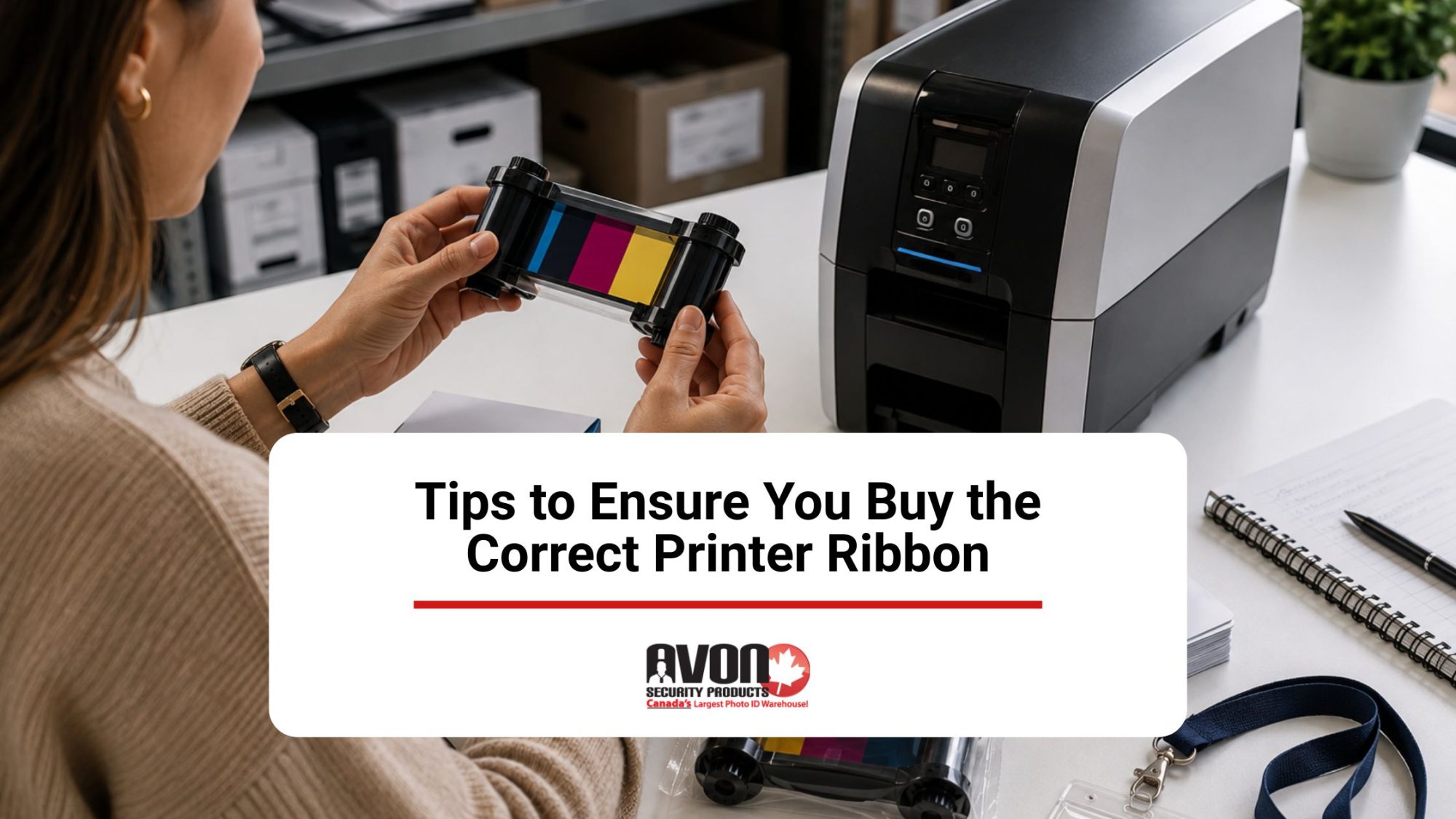
Key Takeaways
- Check your printer model number and ribbon part number before you order.
- Save the last ribbon box or packaging so you can reorder the exact match.
- Use manufacturer documentation to confirm compatibility and avoid costly mistakes.
- Match the ribbon to your printer’s specifications, not just the ribbon type name.
- When in doubt, ask your supplier to confirm the correct ribbon for your device.
Finding the right ribbon for your company ID badges shouldn’t be a trial-and-error process. Modern card printer ribbons have come a long way, featuring advanced formulations that prevent smudging, extend card longevity, and use lower-melting-point materials to keep your machine running smoothly. For anyone managing a workplace security system or an annual badge rollout, these technical upgrades simply mean you get razor-sharp text and vibrant photos that scan perfectly every single time.
By matching the right ribbon configuration to your specific office printer, you can easily maximize your cost-per-card efficiency and keep your operations running smoothly without blowing your supply budget. You can leverage technology to your benefit without weighing too heavily on your budget if you understand the features of each ribbon.
Thermal Printing
Direct thermal printers and thermal transfer printers are not the same thing. Only the latter requires a printer ribbon.
Sizing Your Ribbon
Printer widths vary enormously. The width of your ribbon needs to be the same as or less than the width of your printer. The length is equally important and is measured in inches.
Ribbon Materials
While there are recommended materials for different types of printers, you do have some flexibility.
Wax Ribbon
Wax ribbon is budget-friendly and long-lasting. It’s ideal for packaging labels and retail tags. It can only be used with paper labels because it causes smudging on synthetics, rendering bar codes and text illegible.
Wax/ Resin Ribbon
Wax/resin hybrids combine the best features of wax and resin, offering an economical way to gain better quality than wax alone. The result is smudge- and scratch-resistant enough for outdoor locations and warehouse usage. They’re ideal for retail, warehouse, and shipping environments and can be used on synthetic labels as well as paper.
- Wax can be enhanced by resin to achieve a balance between wax and wax/resin hybrids.
- Resin is the most durable, expensive option, and is thus used in environments that expose labels to chemicals, abrasion, and water. Resin is durable enough to use on synthetic labels and for medical device tracing. Its high definition quality also makes it ideal for bar codes, although it’s typically limited to computer and micro label printing.
Selecting Your Media
Your ribbon needs to be chosen according to the medium you’re printing on as well as the label’s function. Adhesive labels are remarkably forgiving, so it’s pointless to choose expensive resin ribbon for them. Cardboard tags are just as easy to print on, so wax will suffice. However, when printing barcodes on smaller media that are exposed to the elements, a wax/resin hybrid will serve you better. Wristbands and clothing labels must withstand plenty of wear, so the expense of resin might be a necessity, particularly in hospital environments where errors can cost lives.
Label Materials
Your goal when choosing your printer ribbon is to obtain a clear, lasting print, and your label materials are highly influential on longevity.
Paper and wax is only a useful combination if your label won’t be exposed to humidity and wear.
Polypropylene is a rugged synthetic that resists tearing. It usually suits a wax/resin hybrid.
Polyester is the hardiest labelling material available, so a resin/polyester combination is ideal for environments that expose tags to the elements. It’s used for vehicle tagging and the labelling of chemical containers. It can also be used in laboratories and for certain medical applications.
Longevity
Some labels only need to last as long as they stay on the shelf, whereas others are a part of a product’s functionality and need to have extreme longevity. The latter are best served by full resin ribbons and polyester combinations. Wax/resin hybrids are ideal for labels that are used indoors but will be exposed to light handling, sunlight, and temperature changes.
Thermal transfer printers support a wide range of ribbon formulations and printer-specific configurations, so while general guidelines are a helpful starting point, expert advice can help ensure you select the correct ribbon. Along with selecting the correct ribbon, understanding routine maintenance and basic printer ribbon repair practices can help improve print quality, reduce downtime, and extend the life of your printer.
Check the Exact Ribbon Part Number and Printer Model Before You Order
The safest way to avoid a mismatch is to confirm the printer’s full model number and match it to the ribbon part number listed in the manufacturer’s documentation. If you still have the previous ribbon box, use that part number as your fastest reference. This is especially helpful when printer names are similar or when a model has multiple compatible ribbon variants. If the printer has been supplied before, checking the old packaging, invoice, or product label can save time and reduce ordering errors.
This strict validation approach directly mirrors the stringent physical asset screening protocols recommended in Canadian federal risk management policies used to eliminate structural access control gaps.
- Pro Tip: Save the box your last ribbon came in! It contains the part number you need to reorder accurately.
Use the Ribbon Packaging and Printer Documentation as Your Compatibility Check
Don’t rely on ribbon appearance alone. Two ribbons can look similar but still be incompatible because of differences in model support, part numbers, or printer requirements. A better approach is to verify the ribbon against the printer manual, product sheet, or packaging details, then compare those details with your printer model number. This helps you catch differences early and ensures you buy the exact ribbon designed for your device.
Verifying components through authentic physical manufacturing documents ensures compliance with established baseline identification guidelines regarding secure organizational identity assurance.
Always match the ribbon part number with your printer’s specifications. If you’re unsure about compatibility, Avon Security Products provides expert guidance to help you verify printer models, ribbon part numbers, and manufacturer specifications before ordering replacement supplies.
Look for Model-Specific Compatibility Instead of General Ribbon Categories
Generic ribbon types are not enough when the goal is to buy the correct one. A ribbon may be broadly described as compatible with a printer family, but the exact fit still depends on the printer model and the part number tied to that model. Adding a short model-by-model compatibility check makes the buying process much clearer and lowers the chance of ordering a ribbon that is close, but not correct.
Adhering to direct machine specifications helps businesses keep corporate infrastructure fully aligned with industry-standard identity authentication benchmarks used across secure digital frameworks.
Choosing the correct printer ribbon involves knowing:
- Your printer model
- Your printing needs
- Your security requirements
Confirm Compatibility with the Supplier Before Placing the Order
If the model number or part number is unclear, build in a final check with the supplier before purchase. This is a practical safeguard when a printer has been upgraded, rebranded, or previously used with multiple ribbon types. A quick confirmation step can prevent buying the wrong ribbon and makes the article more useful for readers who need a simple, reliable ordering process.
Get the Right Ribbon Before You Order
The easiest way to avoid compatibility issues is to confirm you’re ordering the exact ribbon designed for your printer. As one of Canada’s leading suppliers of ID card printers, printer ribbons, ID card software, and complete identification systems, Avon Security Products helps organizations select genuine, compatible products backed by expert technical guidance. Whether you need help matching a ribbon part number, confirming printer compatibility, or building a complete ID card printing system, contact us to speak with a product specialist.
FAQs
How do I confirm the exact ribbon compatibility for my specific card printer model?
To establish absolute printer compatibility, you must cross-reference your specific printer model with the manufacturer part number found on previous ribbon packaging. Because an ID card printer uses highly specialized media configurations compared to a standard industrial thermal transfer ribbon printer, generic supplies will not fit. Ensure your badge application requirements dictate the exact matching resin thermal ribbon panel layout. Avoid selecting items meant for a flat-head printer, near-edge ribbon assembly, or heavy industrial thermal transfer overprint systems, as these substrates are incompatible with secure PVC card printing infrastructure.
How do ribbon sizing, core size, and overall ribbon width impact the card printing process?
In secure card production, precise ribbon sizing is critical because dimensions are permanently fixed to standard plastic ID dimensions. You must evaluate the required core size alongside the physical housing requirements of your printer’s foil cartridges. A replacement roll that matches the required ribbon width but utilizes an incorrect core size or unmatched ribbon length will trigger structural feeding errors or fail to initialize entirely. For proper credential applications, rely heavily on the manufacturer’s stated total card yield rather than assuming generic industrial roll specifications will work.
What makes specialized card resin ribbons different from traditional wax or nylon formulations?
Unlike standard paper label material applications that utilize cheap wax options, Avon systems use premium full resin ribbons designed for plastic. Legacy dot matrix printers require fabric ribbons or flexible nylon ribbons, while shipping label setups run on satin ribbons. Your secure badge system requires extreme abrasion resistance and strict chemical resistance. Therefore, advanced resin formulations are engineered specifically to fuse permanently onto rigid synthetic substrates like polyester or durable polypropylene cards, ensuring your secure corporate credentials do not fade, peel, or smudge over time.
What are the proper manufacturer guidelines for loading a new ribbon into my machine?
Always consult the official manufacturer guidelines to avoid catastrophic alignment errors during loading. First, identify if your system utilizes a coated side out or a coated side in alignment, as feeding an incorrect ribbon formulation will instantly ruin your printhead. Secure the primary roll onto the internal ribbon spindle or specialized ribbon holder, tracking the material across the designated ribbon guide and integrated ribbon roller mechanism. Finally, attach the leader firmly to the take-up spindle or automatic ribbon rewind spindle to maintain tension.
When should I utilize a ribbon core adaptor or specialized foil cartridge system?
Certain desktop card systems require a proprietary ribbon core adaptor or a drop-in foil cartridge to ensure stable media alignment. If these components are missing or improperly seated on the internal ribbon spindle, the film can slip during heavy production cycles. This variance directly impacts overall print speed and causes material tracking faults. Always ensure the entire cartridge assembly snaps firmly into the printer housing, ensuring that carbon ribbon layers stay perfectly flat and do not wrinkle against the internal rollers during printing.
How do I safely handle and maintain optimal storage conditions for replacement rolls?
To protect delicate ink formulations, you must maintain pristine storage conditions before installing your replacement media. Keep your rolls in a climate-controlled, dust-free environment away from direct sunlight and extreme temperatures. Improper environments cause the layered film to stick together on the roll, resulting in immediate ribbon breakage when production starts. Proper handling prevents early degradation, protects the integrated retransfer film, and ensures that you receive the exact print quality and full card yield promised by the manufacturer.
What is the ideal scheduled preventative maintenance routine to extend my printhead life?
Executing consistent scheduled preventative maintenance is the single most effective way to eliminate premature printhead wear. Every single time you swap out an empty roll, you must clean the system thoroughly. Use an approved cleaning pen and specialized cleaning kits to wipe away microscopic debris, oils, and adhesive residue from the delicate printhead surface. This easy routine prevents a dirty printhead from causing permanent element damage, ensuring crisp images and significantly extending your operational printhead life.
Why is it critical to source genuine Fargo printer ribbons from an authorized provider?
Purchasing cheap third-party supplies severely risks your print quality and can instantly void your hardware warranty. As an authorized HID Global solution provider, Avon supplies authentic genuine fargo printer ribbons, specialized eco-friendly ribbons, and high-definition retransfer film. These certified manufacturer-approved thermal transfer ribbons utilize exact ink formulations designed to interact perfectly with your hardware. Sourcing authentic products guarantees consistent badge durability, prevents severe tracking issues, and ensures you receive dedicated on-site support and reliable depot care.
Which ttr printer settings should I adjust to resolve sudden ribbon breakage or tears?
If you experience frequent ribbon breakage, you must immediately check your internal driver and ttr printer settings. Excessive print heat, incorrect settings, or overly high printhead intensity settings will melt the thin film during the transfer process. Slowly lower the digital intensity within your printer driver and verify that your physical print pressure is balanced correctly. If the film continues to tear apart, inspect the internal pathway for sharp plastic burrs or built-up adhesive residue that could be snagging the media.
How do I fix common tracking errors, a misaligned ribbon, or faded prints?
When experiencing faded prints or a misaligned ribbon, pause your print queue to inspect the mechanical tracking. Check if a misaligned printhead pressure setting is forcing the film to slide unevenly across the internal ribbon guide. Clean the unit thoroughly to ensure a dirty printhead is not blocking the heat transfer. If you face deep structural printhead malfunctions or physical damage, stop using the machine immediately. You can contact Avon to request loaner printers to avoid costly operational downtime.